Returns to the previous page/item or turns the volume down.
11. Return button
Returns to the last viewed page or the main menu on the Home screen.
12. Next/Volume up Button
Proceeds to the next page/item or turns the volume up.
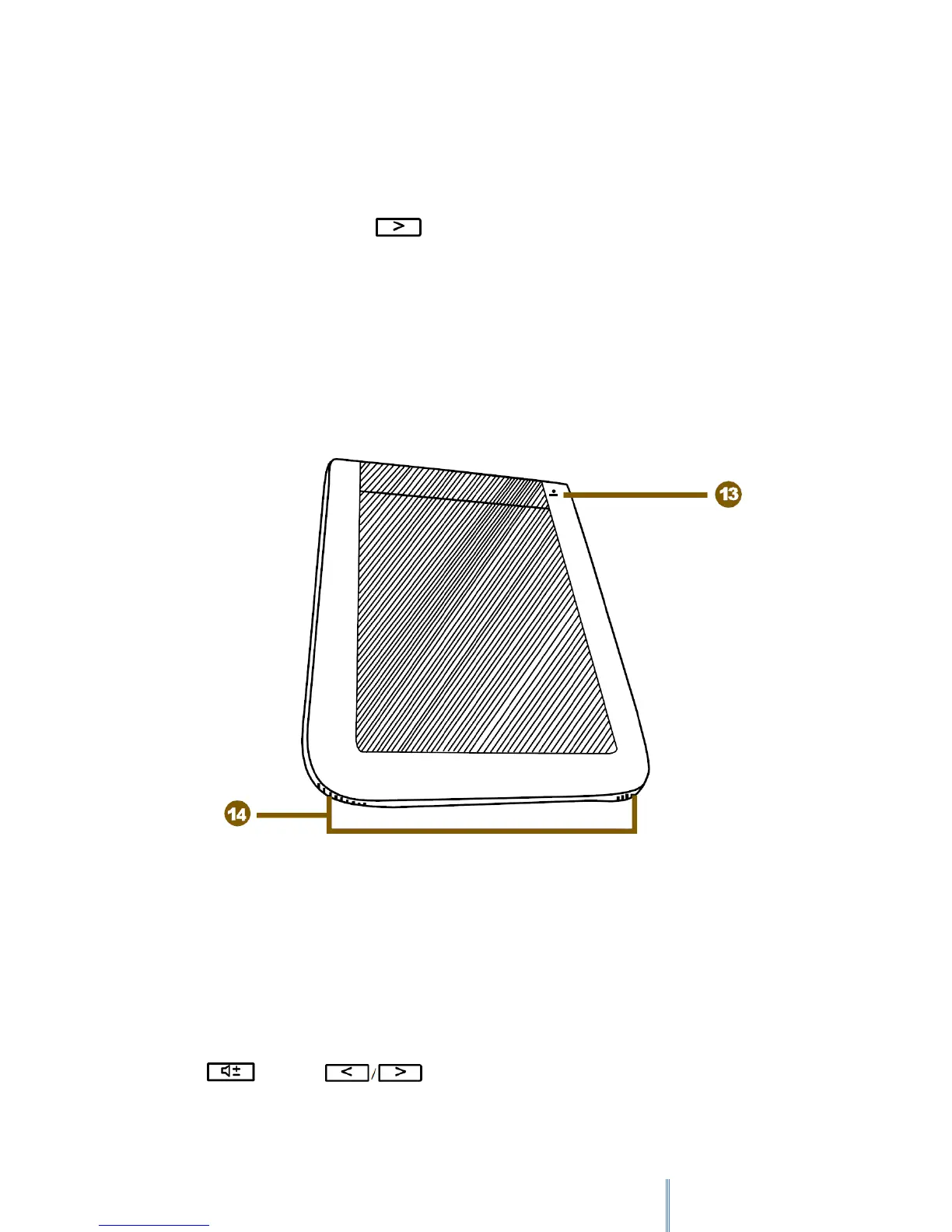
2.1.2 Rear View
13. Reset Button
Use a pointed object, such as a pin, to push against this button to reset your device when it
does not respond to any operations.
14. Speakers
Built-in speakers for playing sounds.
Press and then to adjust the volume of the speakers.



 To Next Page