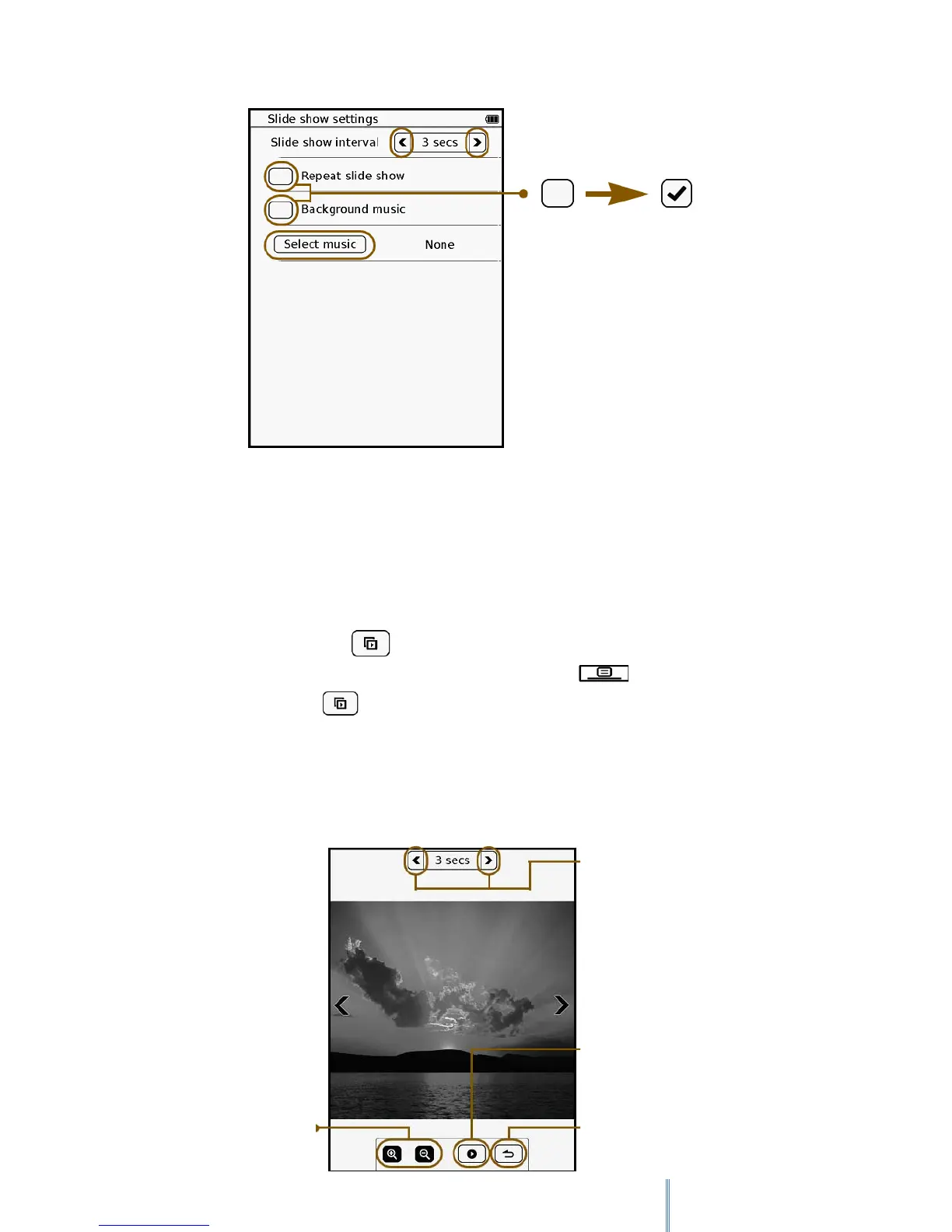
8.2 Playing back a slideshow
You can view images on the Image list as a slideshow in 2 ways.
• In Image mode, tap to start a slideshow of all the images in the Image list.
• When viewing an image in full screen, press the Menu button to open the
sub-menu. Tap to start a slideshow from the current image.
During a slideshow, you can still adjust the time interval between slides. Tap anywhere on the
touch screen to pause slideshow playback and display the toolbar. When you’re done with the
settings, tap to resume slideshow playback.
Adjust time interval
between slides.
Starts a slideshow from
the current image.
Returns to the single
image view.
Zooms in/out on the
current image.



 To Next Page