5. Using the main menu
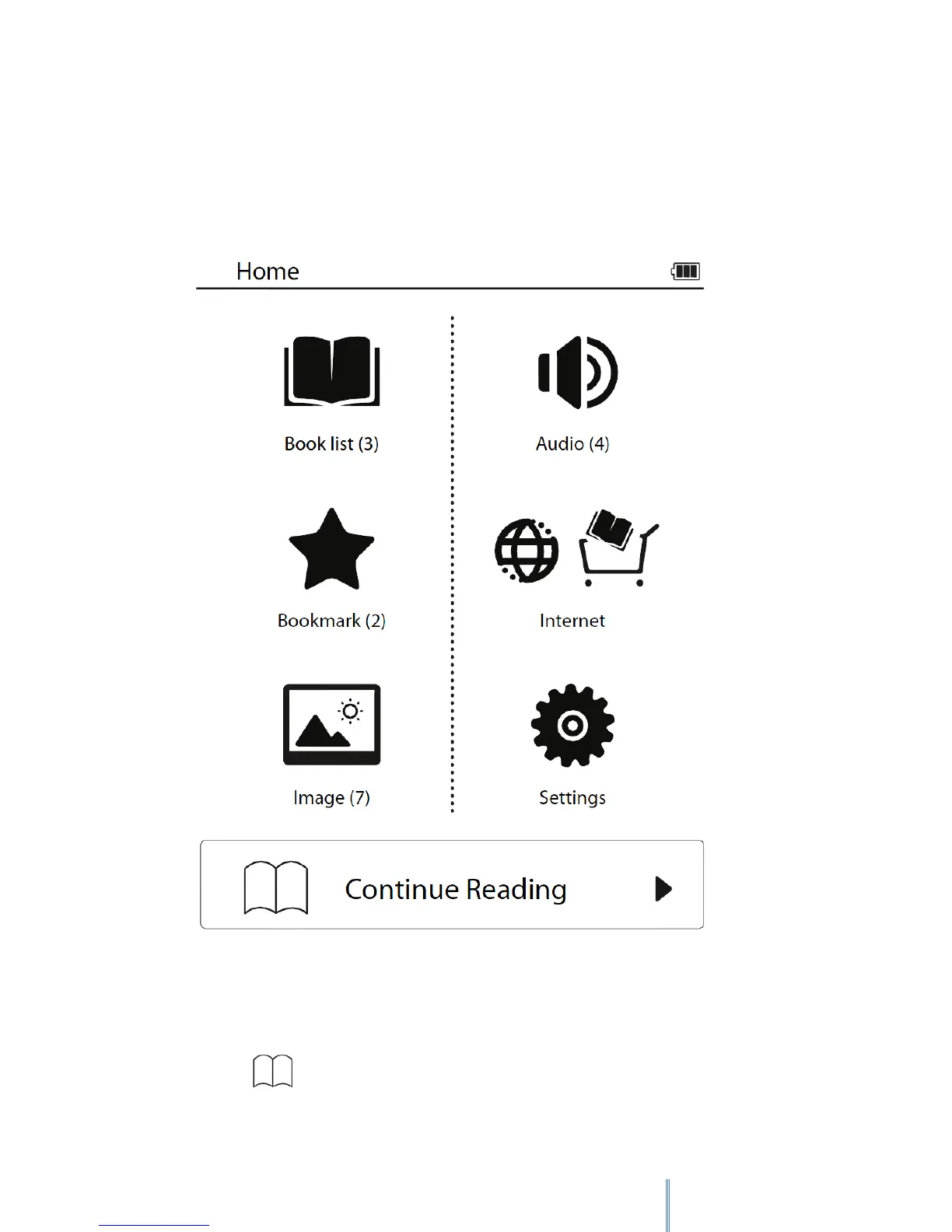
Upon powering on the device, you will enter the main menu on the Home screen.
• To select a desired mode, tap its icon.
• To return to the main menu at any time, press the Return button repeatedly.
• If at least one book is read, the last-read book title will be shown on the main menu.
Tap or the book title to continue reading.



 To Next Page