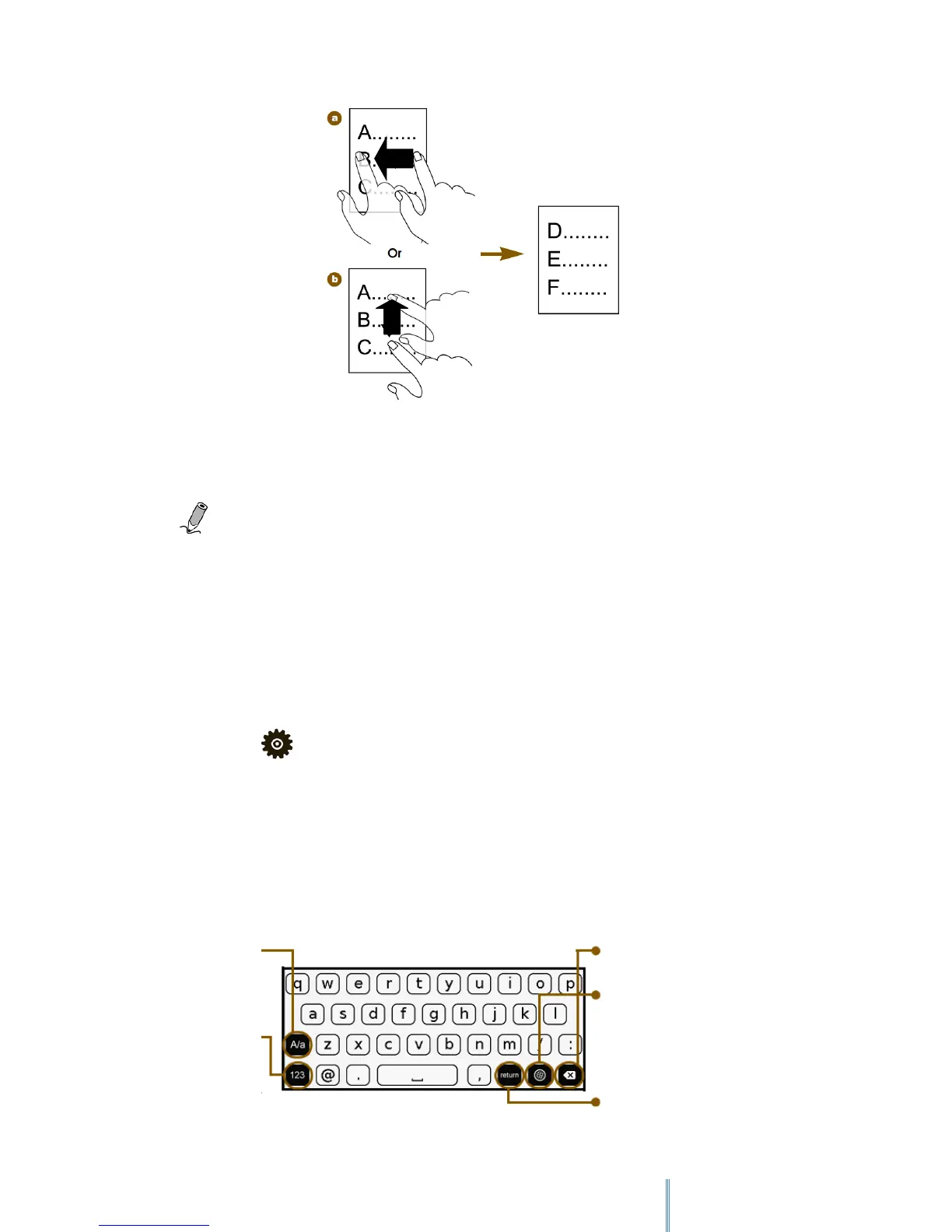
Note: The (b) flipping method is not available when viewing images.
4.2 Screen orientation
For optimal viewing experience, you can set the screen orientation to change automatically to
portrait or landscape view depending on how you hold the device.
Select Setting > Orientation > Auto
4.3 Using the on-screen keypad
Tap the letter buttons on the on-screen keypad to enter your desired texts.
Delete a character.
Switch among different
input methods.
Switch between
upper/lower
cases.
Switch among
number/ symbol
input methods.
Insert a line feed



 To Next Page