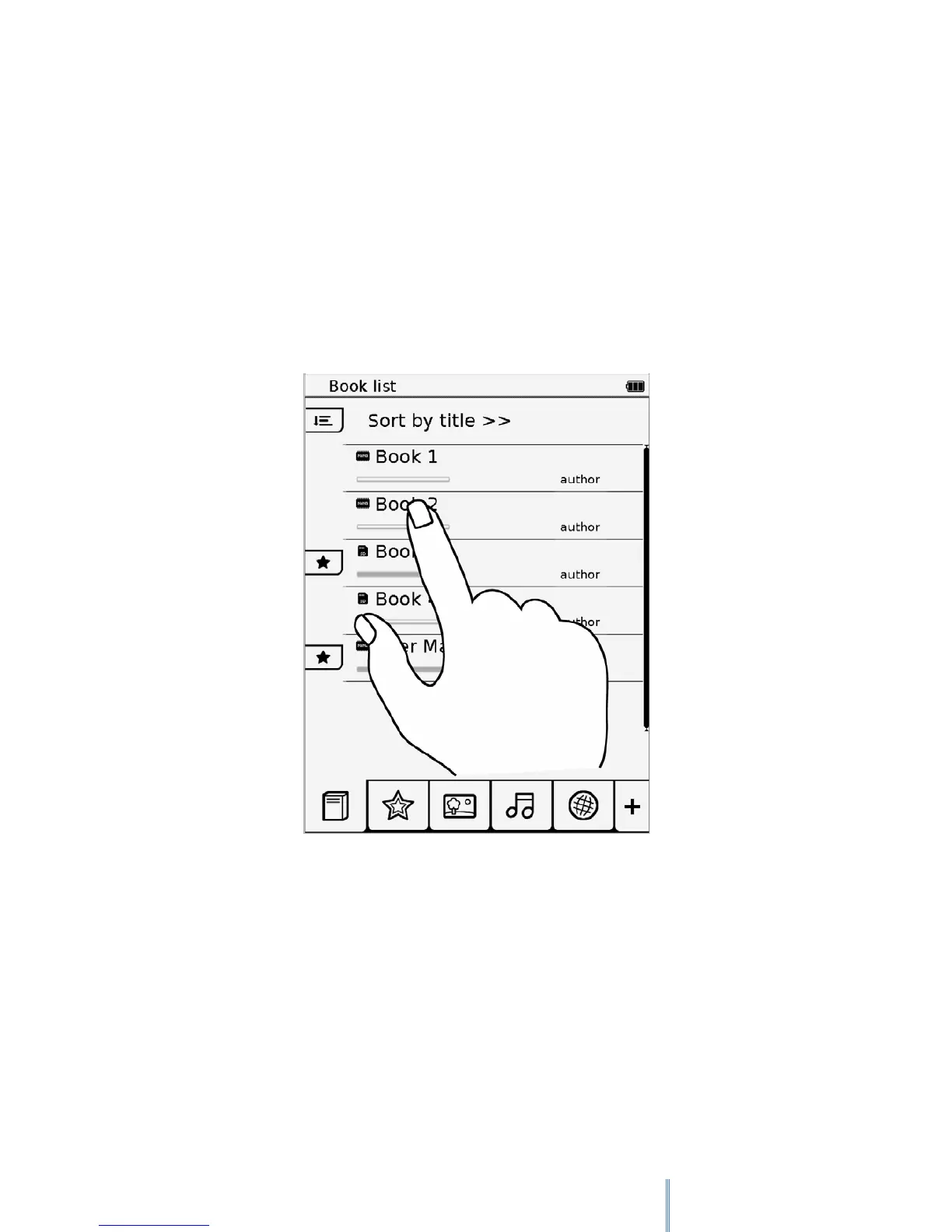
4. Operating the device
To operate the device, follow the On-Screen Display (OSD) menus and the tool bars on the
sides to complete the tasks. Most of the operations can be done using the touch screen, while
some basic functions or hidden menus can be operated through the buttons.
4.1 Using the touch screen
Use your finger to touch the surface of the touch screen to select an item or perform a
function.
4.1.1 Flip
When in Book list or Image mode, place your finger on the left or upper side of the touch
screen and gently drag your finger to the right or lower side to turn a page forward or view the
next image. To turn to the previous page or view the previous image, flip in the opposite
direction.



 To Next Page