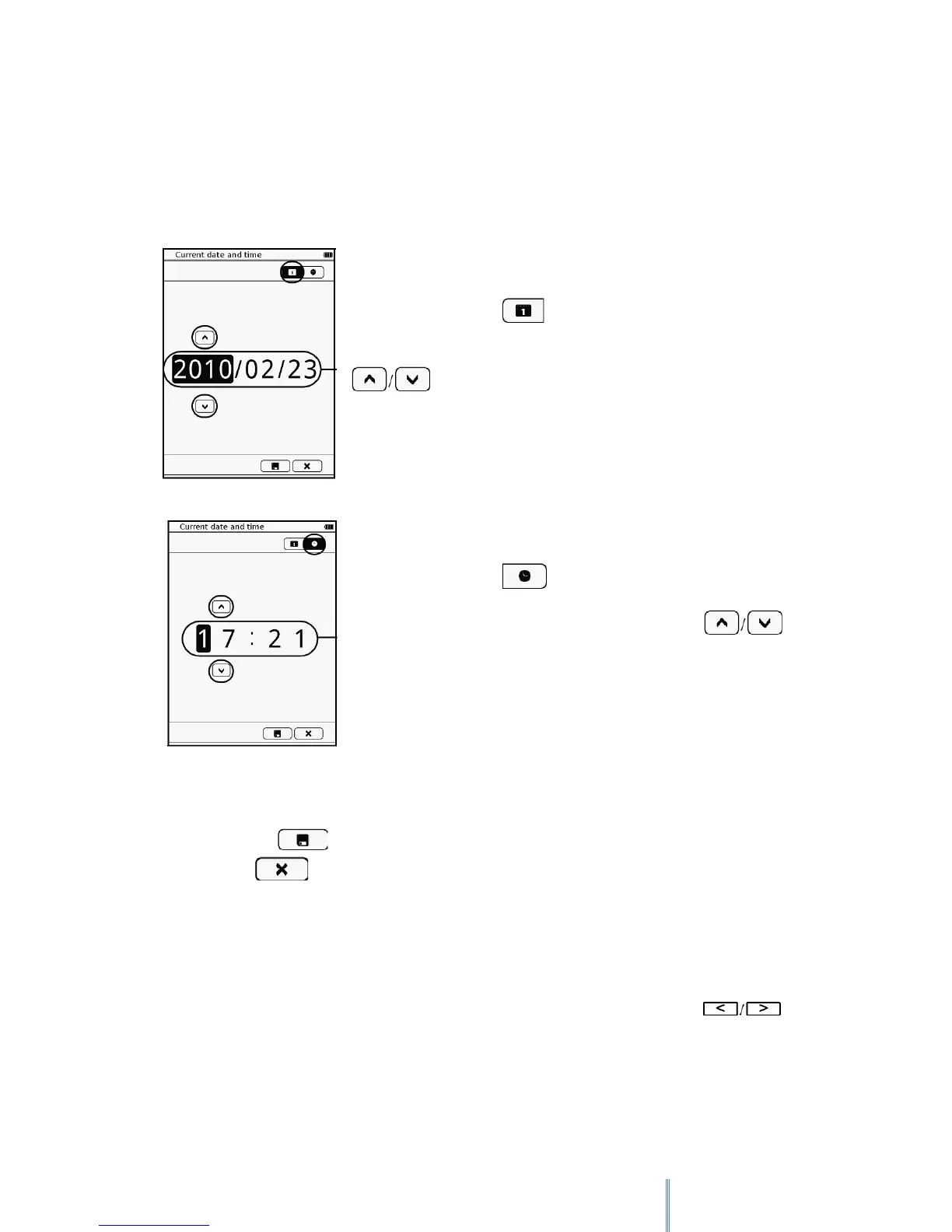
11.4 Current date and time
Sets up your local date and time. Downloaded files will be saved according to the date and
time set on your device.
To adjust the date, tap .
Tap the year/month/date columns to be adjusted and tap
to adjust the figures.
To adjust the time, tap .
Tap the hour/minute columns to be adjusted and tap
to adjust the figures.
When done, tap to save selection and leave the setting. To leave without saving any
changes, tap .
11.5 Time Zone
With this option you can select the time zone of your bq device. First choose the Continent,
then the city of your location. To scroll in between cities, please use the buttons.
.
11.6 Screen Saver
Sets up the time duration before entering Screen Saver mode.



 To Next Page