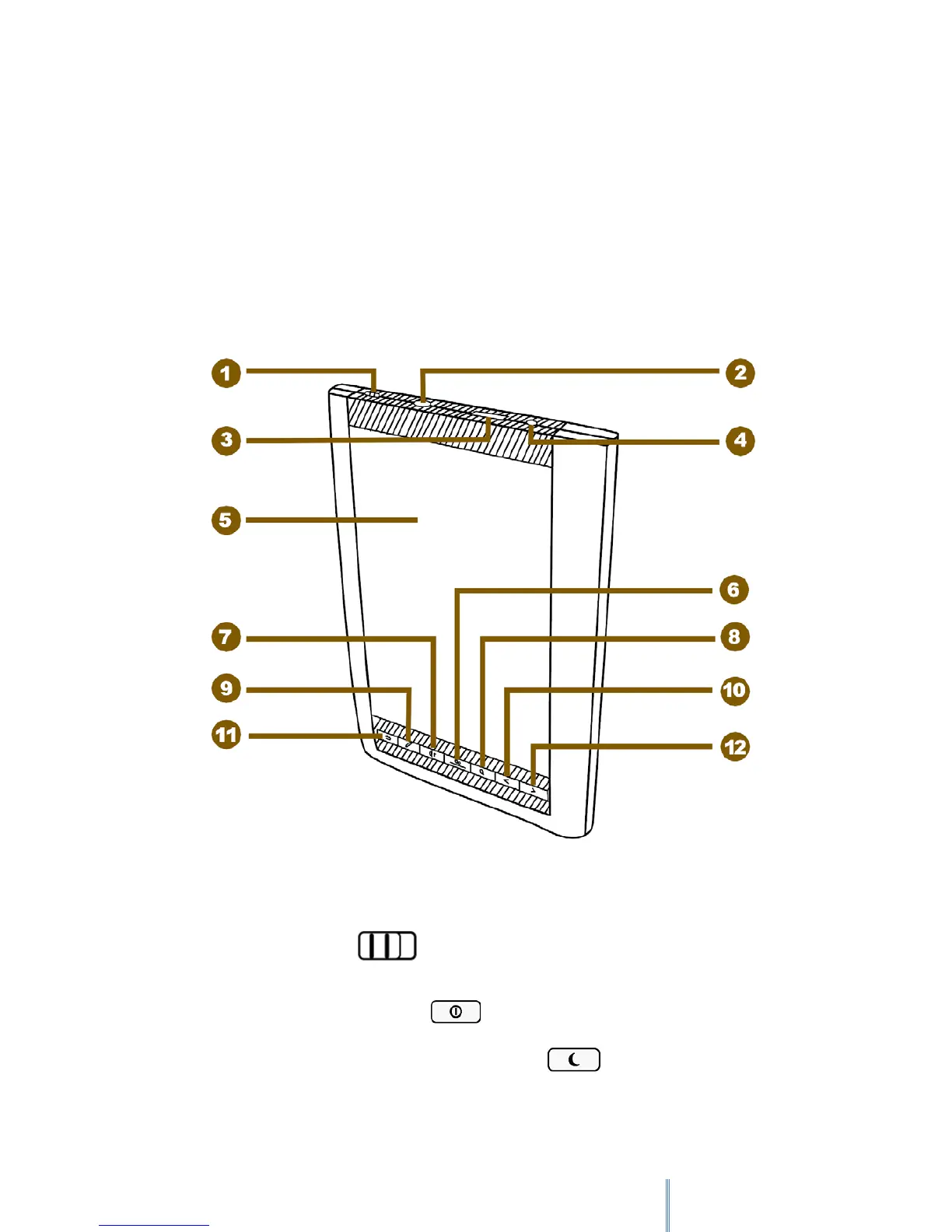
2. Identifying the parts
Thank you for choosing bq Avant. Before using this product, please read this User Manual
carefully.
2.1 Buttons & ports
2.1.1 Front View
1. Power switch
Slide and hold the power switch for 5 seconds, and then release it to turn on the device. To
turn it off, slide this switch and then tap
.
To enter Sleep mode, slide this switch at any time and tap . To disable Sleep mode,
slide this switch again.



 To Next Page