11. Setting Mode
Settings mode allows you to set up Wi-Fi connection, screen saver time interval and other
device-related information, such as OSD language and date/time.
Tap to enter Settings mode. Tap to select an option.
11.1 Orientation
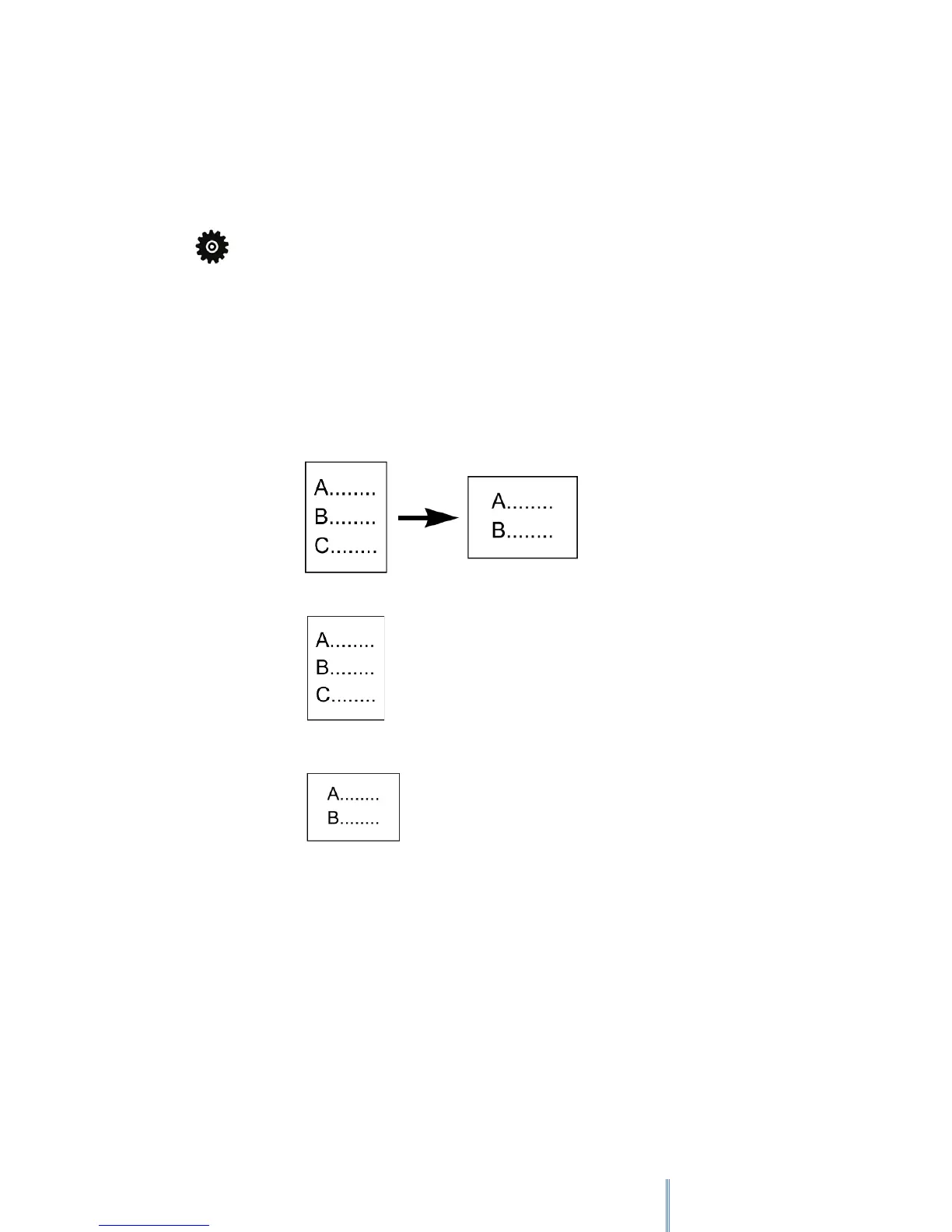
Sets the screen orientation to portrait view, landscape view or to switch between two views
automatically depending on how you hold the device.
• Auto:
• Portrait:
• Landscape:
11.2 Wi-Fi Setting
Enables Wi-Fi. Refer to “Connecting to a Wi-Fi Network” for detailed operations
11.3 Languages
Selects your local OSD language.



 To Next Page