Continuous reading: With this option the size of the lines readjusts in vertically
but not in horizontally.
Reflow: With this option, even when increasing the size of text or images, they
stay adjusted to the screen.
6.6 Adding a bookmark or a note to a page
You can add a bookmark or write a note on the page you may constantly refer to.
When reading a book, press the Menu button to open the sub-menu.
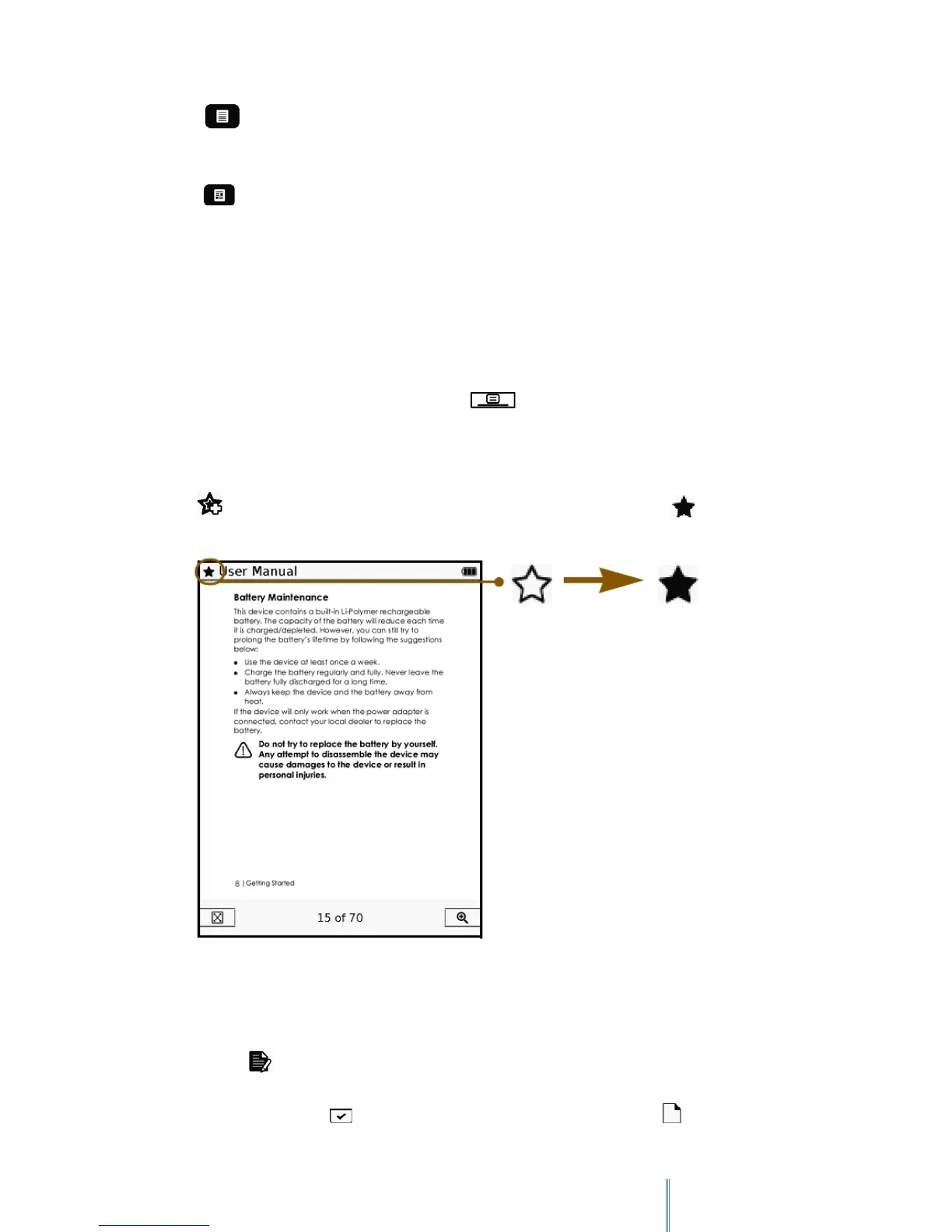
6.6.1 Adding a Bookmark
Tap to add a bookmark to the current page. The page will be marked by .
6.7 Adding a note
1. Tap to add a note to the current page.
2. Enter the contents by tapping the letter buttons on the on-screen keypad.
3. When done, tap to confirm inputs. The page will be marked by .



 To Next Page