8.3 Zooming the image
1. When viewing an image in full screen, press the Menu button to open the
sub-menu.
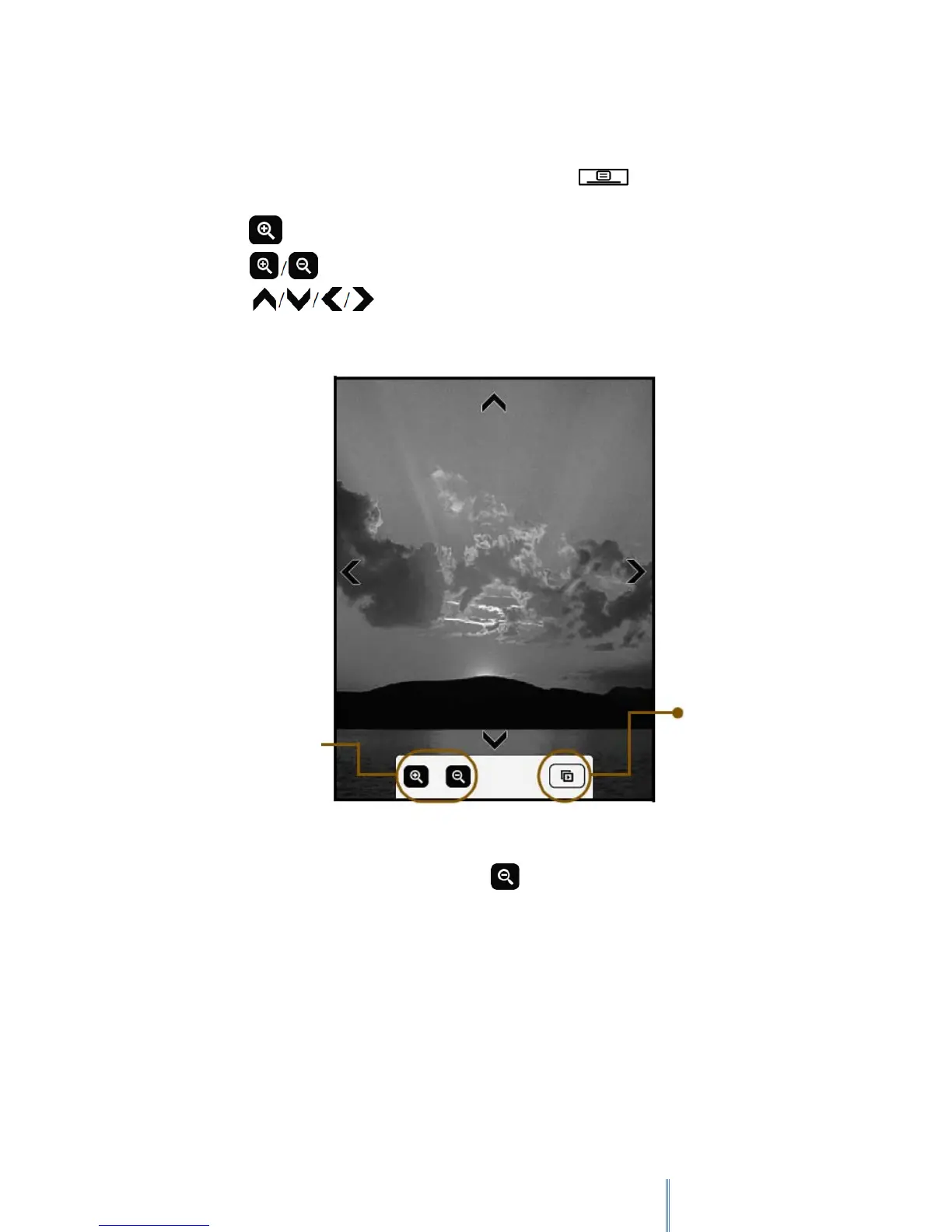
2. Tap to zoom in on the current image.
3. Tap repeatedly to adjust the zooming ratio.
4. Tap to move to the particular part you want to view
5. To view the image in its original size, tap repeatedly until disappears, or press to
return to the Image list.
Starts a slideshow
from the current
image.
Adjusts the
zooming ratio
of the image.



 To Next Page