3.3 Powering on your device
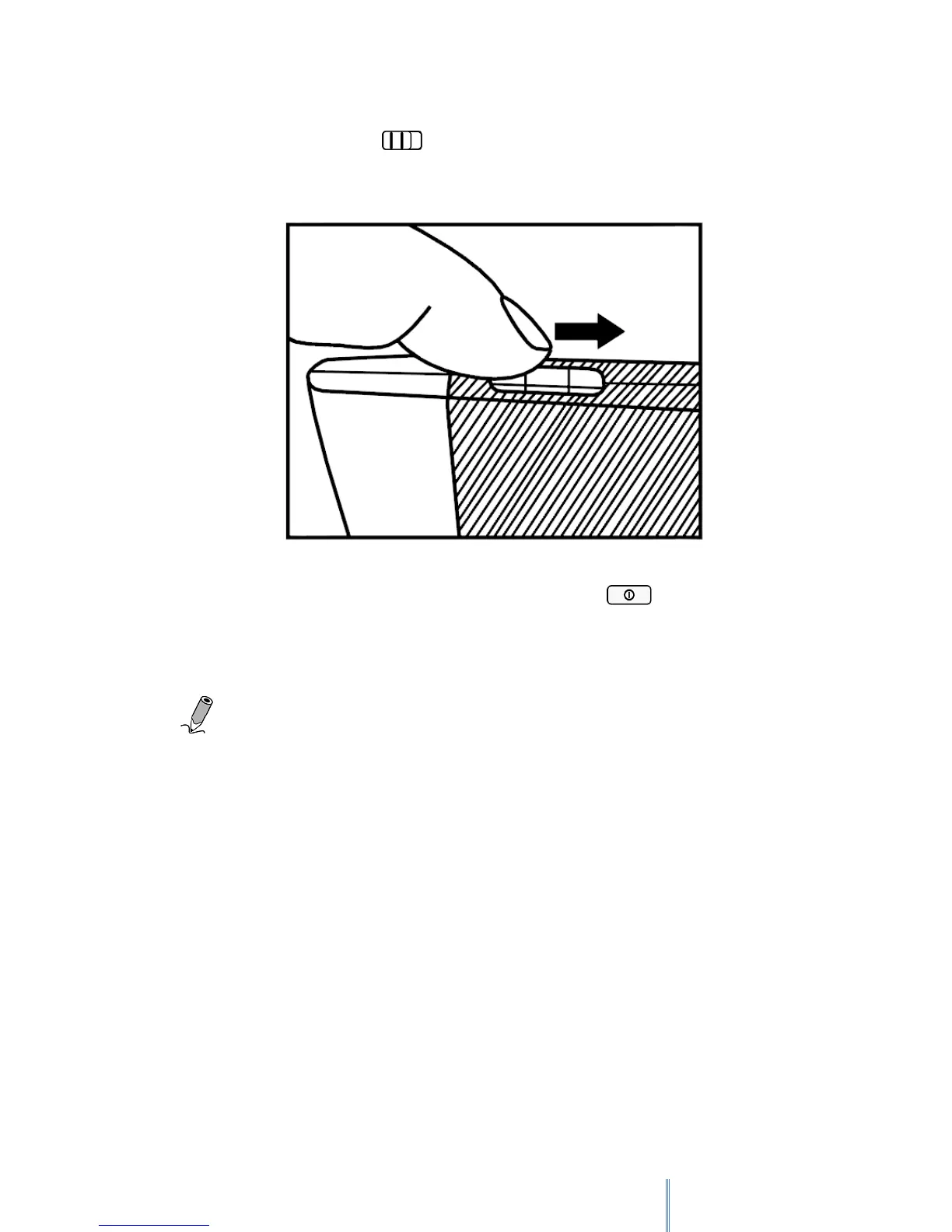
Slide and hold the power switch for 5 seconds, and then release it to turn on the
device. A start-up screen appears before entering the main menu on the Home screen.
To turn off your device slide the power switch and then tap to turn the device
off.
Note: From 2.0 version onwards, when your Avant is turned off you will see on screen
the following message "Please take good care of your device, avoid knocks". This is the normal
turned off screen. It doesn't mean that your device is damage in any way, it won't affect the
performance of your screen and there is no battery consumption.
3.4 Screen saver mode and Sleep mode
3.4.1 Screen saver mode



 To Next Page