7. Bookmark Mode
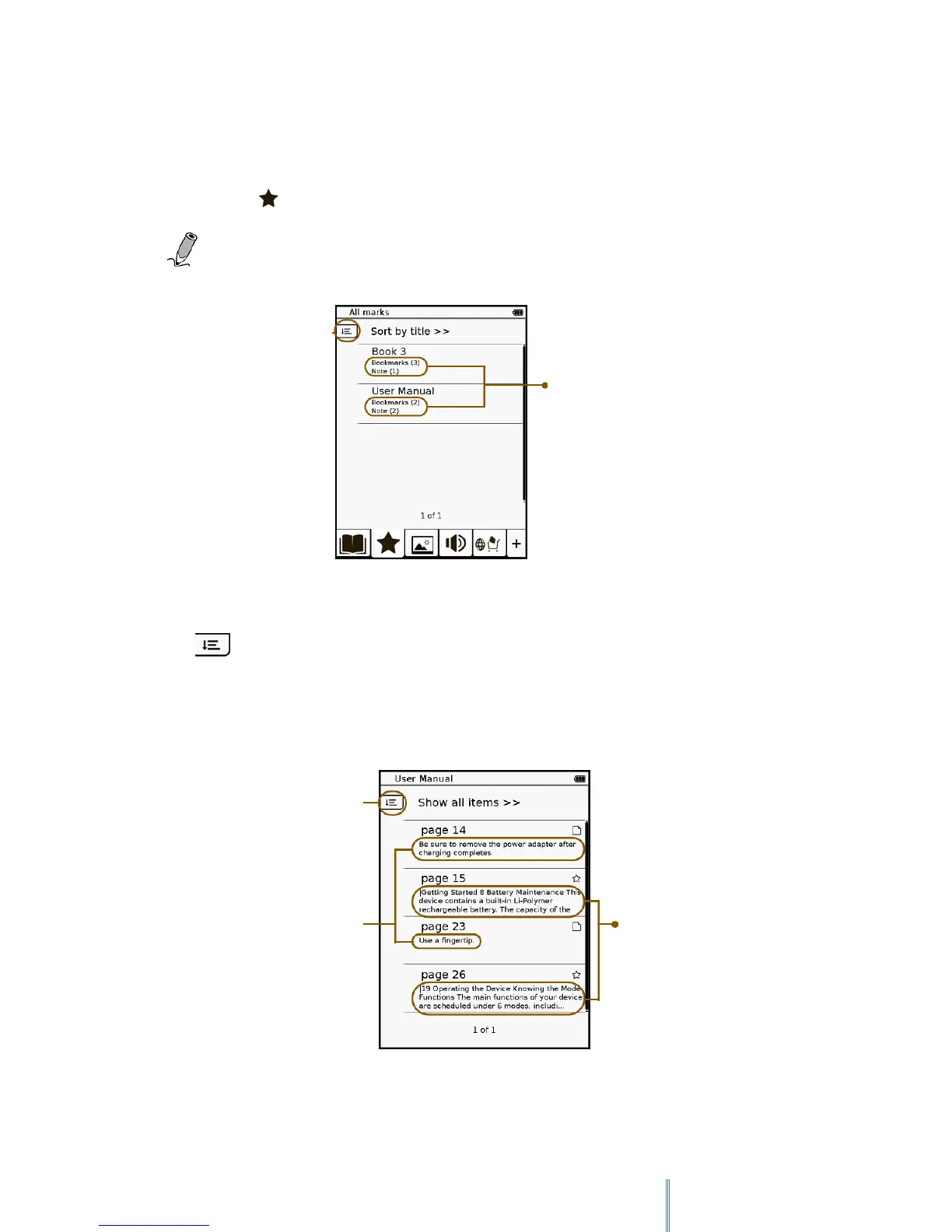
The Bookmark list contains all the bookmarks and notes you’ve added to all the books on your
Book list. Tap to enter Bookmark mode and the Bookmark list appears on the screen.
Note: Only books that contain bookmarks or notes will appear on the Bookmark list.
Tap a book to view the pages with bookmarks and notes.
Tap to select display options of the bookmark/note list. You can show bookmarks by
page, show notes only or show all items. To read the contents in full screen, tap the desired
item.
Numbers of bookmarks
and notes added to the
book
Preview contents of the
pages with bookmarks
Display options of the
pages with
bookmarks or notes



 To Next Page