Application Label Types
BBP
®
35/37 User’s Manual 142 Rev A
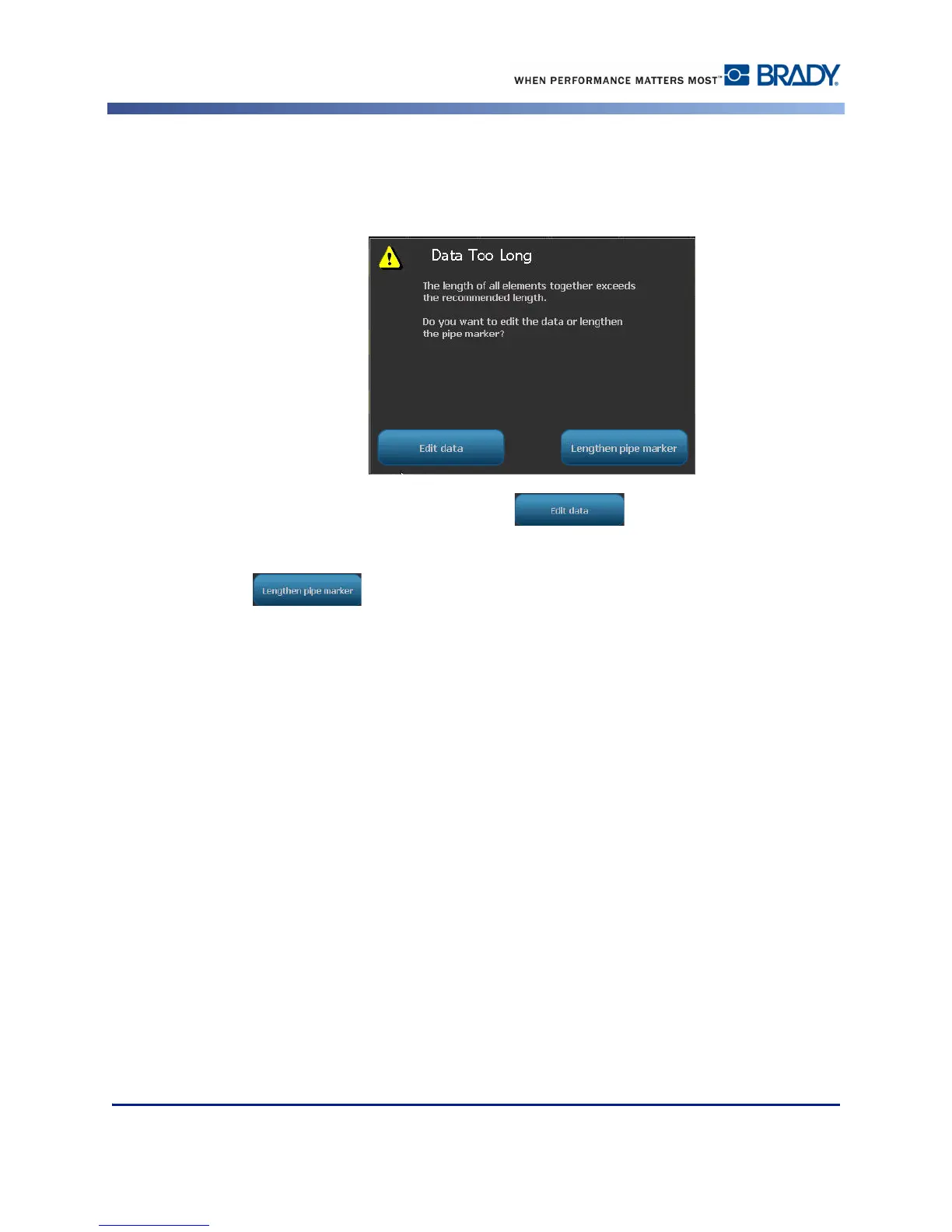
If too many characters per line are used, a message displays prompting you to edit the text or
lengthen the pipe marker. Likewise, if the length of all elements together exceeds the
recommended length, you are prompted to edit the data or lengthen the pipe marker.
19. To edit the information, touch Edit data , then repeat Steps 6 through 18
above.
20. To have the printer scale the elements to fit on the label, touch Lengthen Pipe Marker
.
The printer scales the elements and lengthens the label to accommodate all data.



 To Next Page