Application Label Types
Rev A 141 BBP
®
35/37 User’s Manual
12. On the Graphics screen, touch the left or right double arrows to scroll
throught the list of available graphics.
13. Touch the desired graphic in the list.
14. Repeat the above two steps to add another graphic.
15. When ready, touch Next .
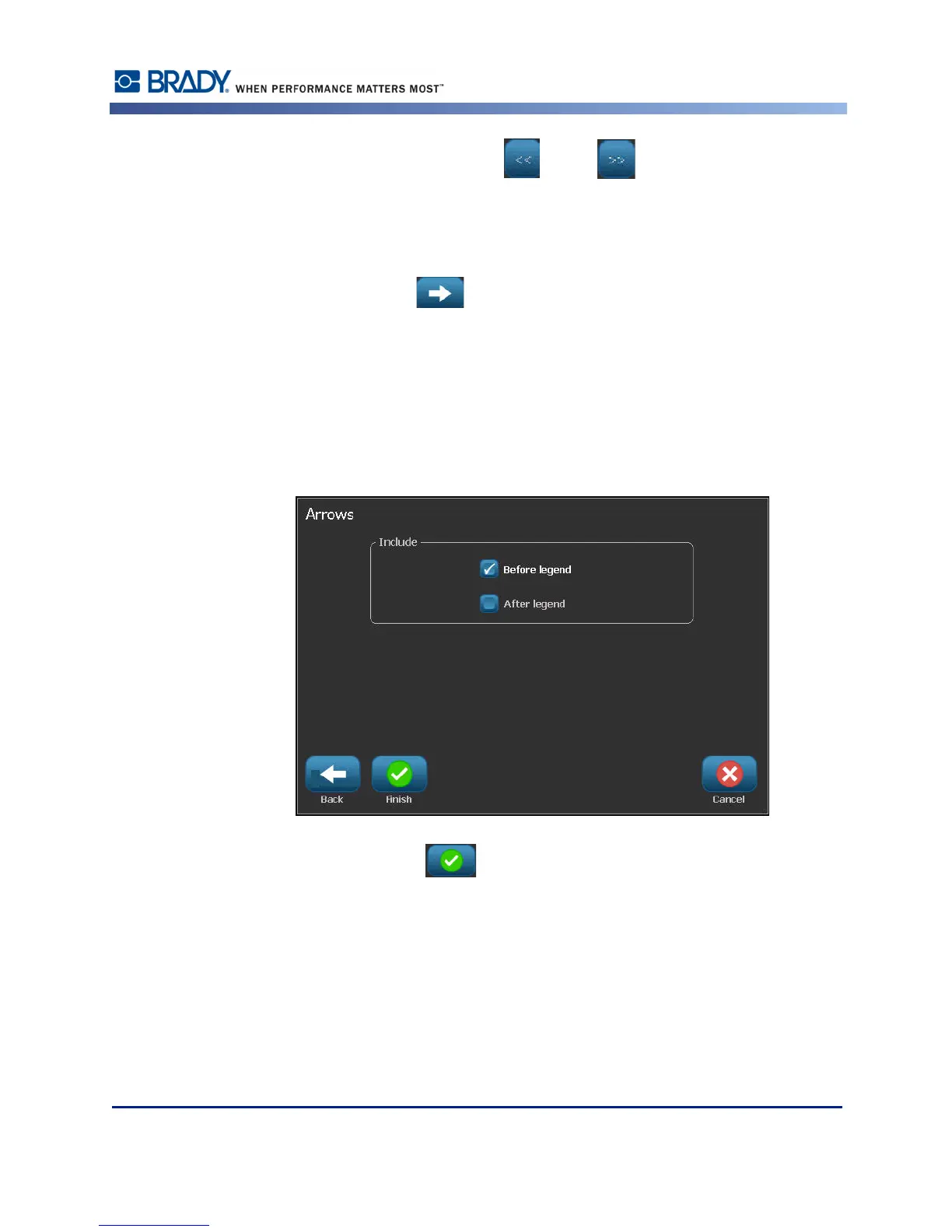
Arrows can be added to a pipe marker label according to the standards defined by the country
or region. On the Arrows screen:
16. Touch the option box designating where you want the arrows to display - Before Legend
and/or After Legend. (You can select both or none.)
17. Touch the option box indicating the direction in which the material flows through the pipe.
18. When ready, touch Finish .



 To Next Page