19
User Manual
7 Loading Material
7.1.5 Removing the Wound Roll
1
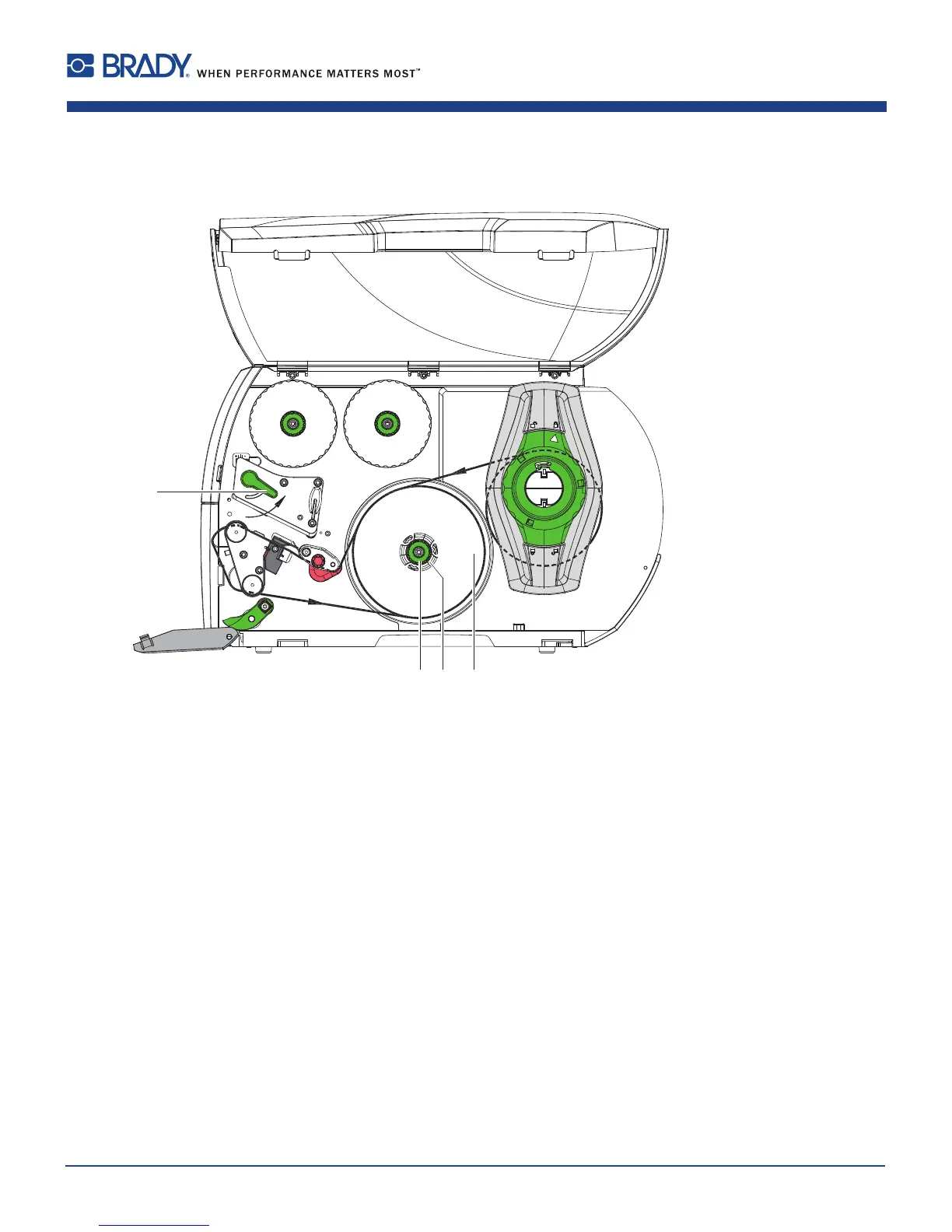
Figure14 Removingthewoundroll
1. Turnlever(1)counterclockwisetolifttheprinthead.
2. Cutlabelstripandwinditfullyaroundtherewinder(3).
3. Holdrewinder(3)rmlyandturnknob(2)clockwise.
Therewinderspindlerelaxesandthewoundroll(4)isreleased.
4. Removewoundroll(4)fromrewinder(3).















 To Next Page