M611 Label Printer User Manual 44
Troubleshooting
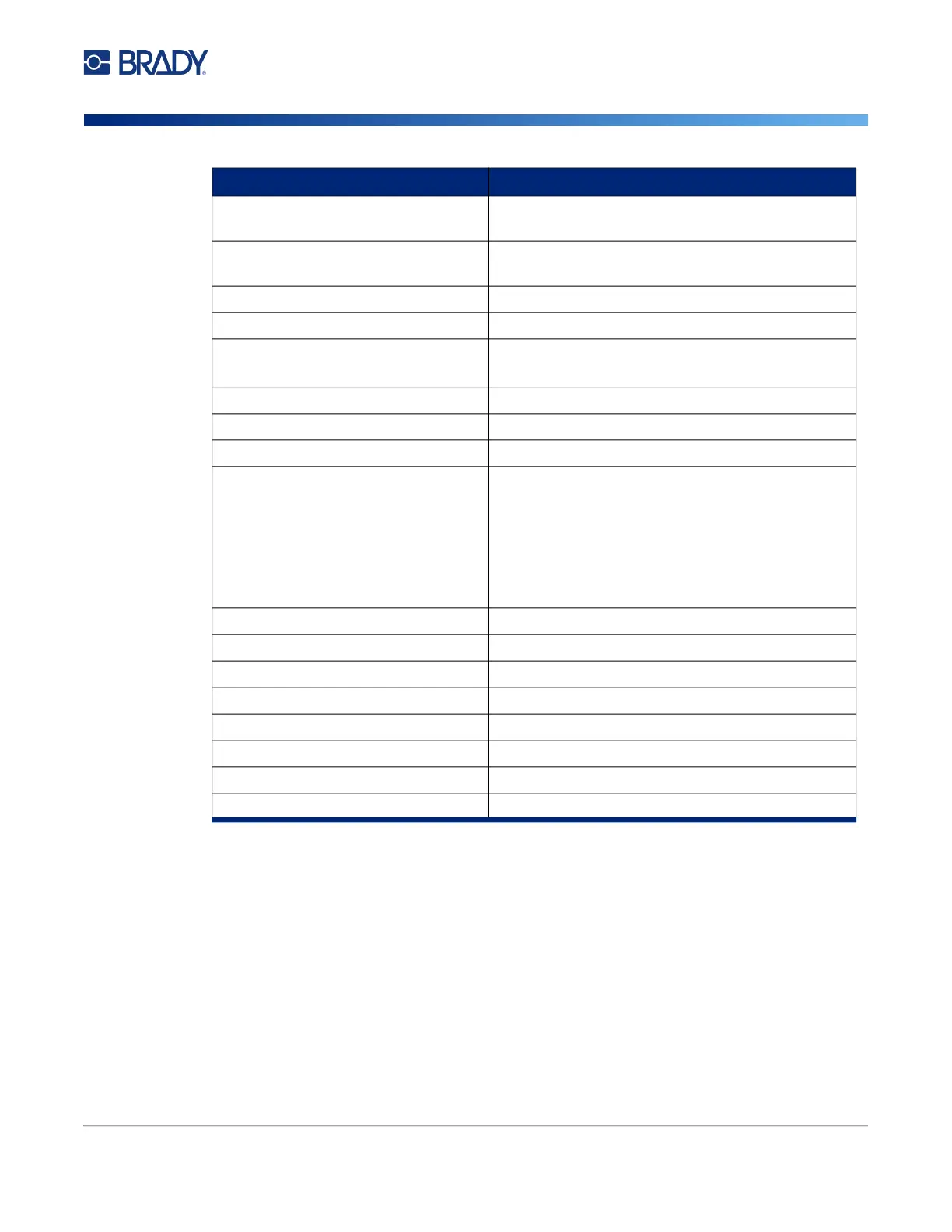
Error Messages
Print Head is Too Cold “Physical and Environmental Characteristics” on
page 2
Door is Open The printer must be operated with the door closed
for cutter safety.
Supply Empty “Loading Labels” on page 14
Invalid Supply “Loading Labels” on page 14
Cannot Connect to Wireless Network “Bluetooth” on page 11
“Wi-Fi” on page 12
Maintenance Required “Cleaning the Printer” on page 36
Failure Loading Supply “Loading Labels” on page 14
Supply Jam “Loading Labels” on page 14
Cutter Jam Do not use sharp objects such as a screwdriver to
remove jammed material because they may
damage the print head. Use tweezers to grasp the
material.
For information on accessing the cutter see
“Replacing the Cutter Blade Cover” on page 37
and “Replacing the Cutter Assembly” on page 39
Ribbon/Supply Mismatch Follow the instructions on the printer’s display.
Ribbon Empty “Loading Ribbon” on page 14
Invalid Ribbon “Loading Ribbon” on page 14
Lock Lever Open “Printer Components” on page 4
Y/B File Error “Updating Y/B Values” on page 35
Shutting Down “Automatic Shut Down” on page 6
Battery Power is Low “Power and Battery” on page 5
Supply Not Optimized for Printing “Updating Y/B Values” on page 35
Error Title Related Information



 To Next Page