This area shows the actual flow. The following parameters
will affect the format of this readout:
o actual or percentage readout
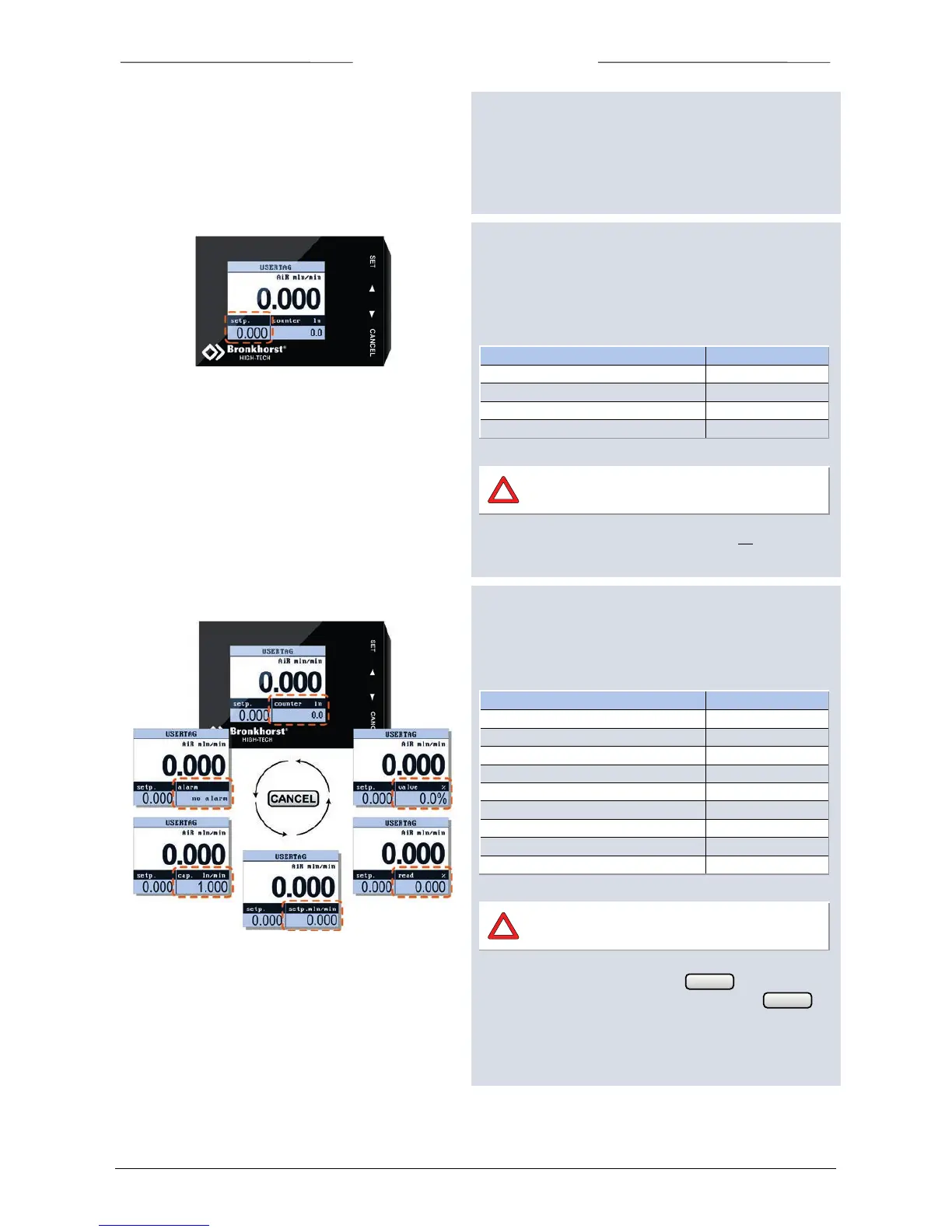
5.5 Custom readout 1
This area can be enabled or disabled by the operator.
When enabled, the operator can choose one of the
following parameters to be shown:
The available parameters of this area are
determined by the connected instrument.
See chapter Customize display info on page 30 to select one
of the above parameters.
5.6 Custom readout 2
The ‘Custom readout 2’ area is always visible. The user can
choose one of following parameters to be shown:
actual or percentage reading
The available parameters of this area are
determined by the connected instrument.
From the ‘measure readout’ press to change the
readout parameter of ‘custom readout 2’.Press
again te select the next available parameter.



 To Next Page