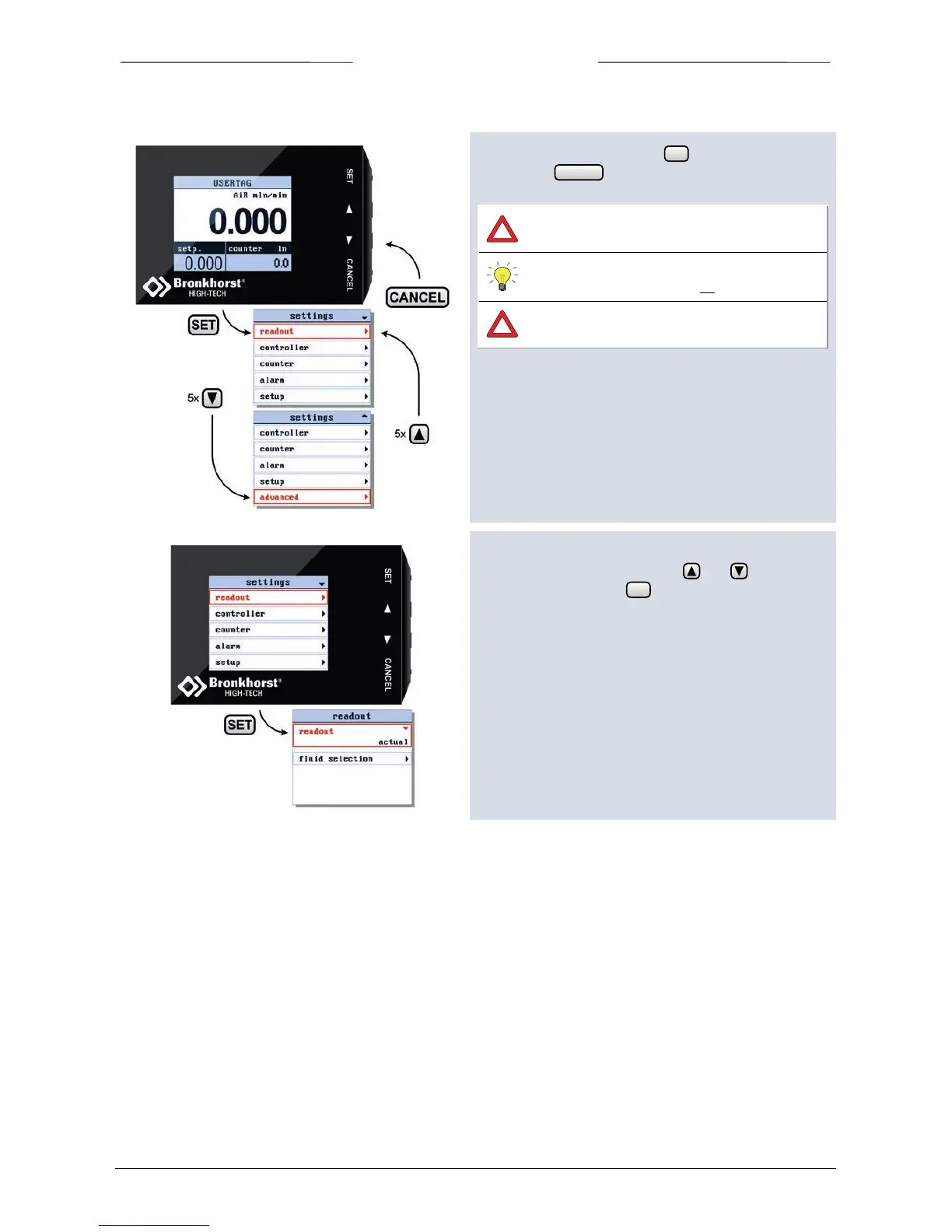
From the readout screen press to enter the settings
menu. Press to return to the readout screen.
Security settings can be set to avoid
unauthorised access to this menu.
For changing security settings see chapter
“Security Settings” on page 33.
The available menu options are determined by
the instrument you are operating.
In the following explanation, all possible options are
shown.
The or signs in the upper right corner indicates that
you can scroll this menu using the and buttons to
select more items. Press to enter the selected menu
item.



 To Next Page