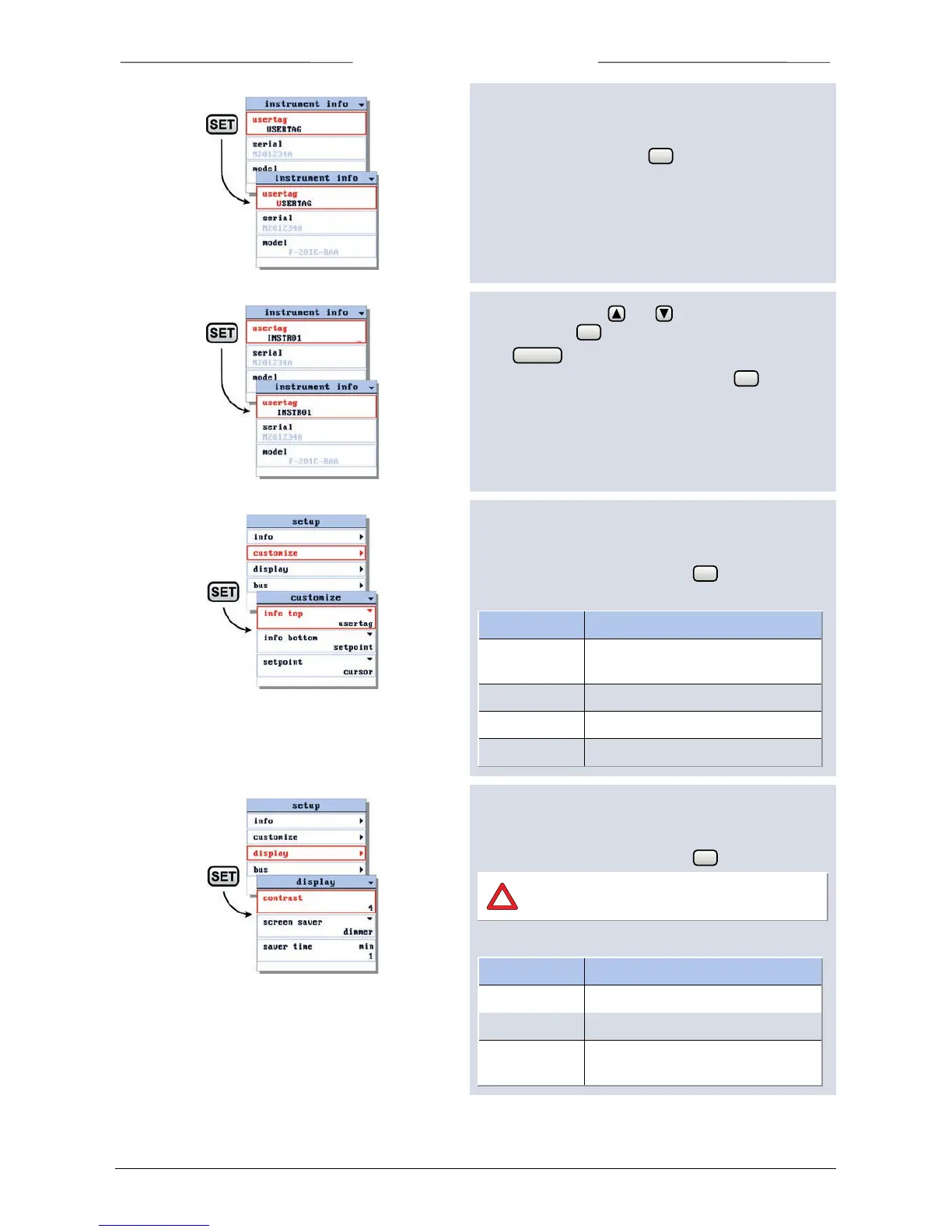
6.21 Change usertag
When entering the instrument info screen the usertag
parameter is selected. Press to enter the edit mode.
In the edit mode, use and to change each
character. Press to select the next character.
Press to exit the edit mode without changes.
When the final character is changed, press until the
cursor disappears to confirm and to exit the edit mode.
6.22 Customize display info
To customize the display information, select the customize
option in the setup menu and press .
In the customize menu you can change:
Info in top line of readout screen,
usertag or serial number
Info in Custom readout 1.
Setpoint edit mode, cursor or steps
Number of readout digits.
6.23 Display appearance
To customize the display appearance, select the display
option in the setup menu and press .
Keep contrast and screen saver time low for
longer display life-time.
In the display menu you can change:
screensaver type: dimmer or off
delay before screen saver becomes
active



 To Next Page