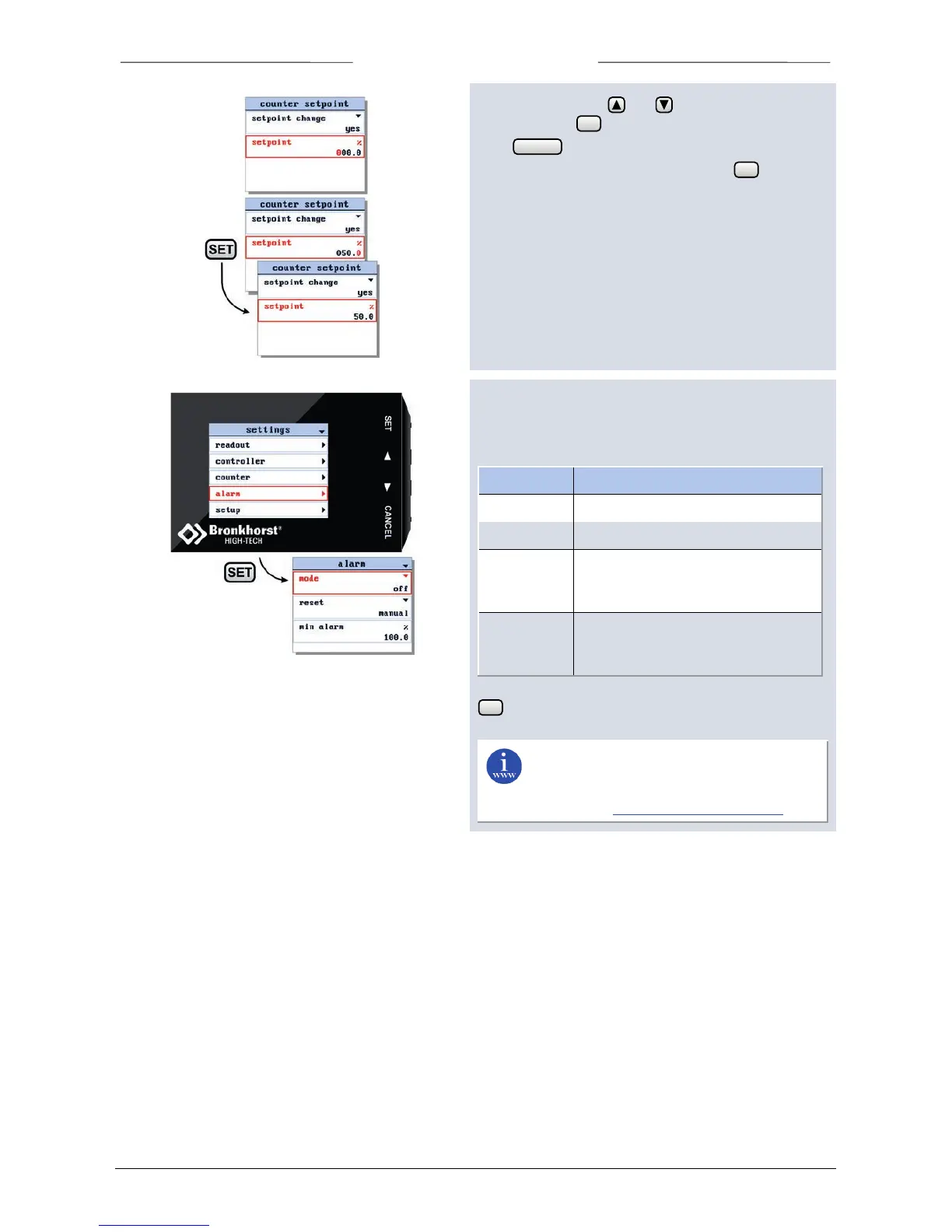
In the edit mode, use and to change each
character. Press to select the next character.
Press to exit the edit mode without changes.
When the final character is changed, press to confirm
and to exit the edit mode.
6.15 Alarm settings screen
From the alarm settings screen you can program the
instrument alarm settings. There are four alarm modes:
alarm will be activated after power-up
alarm will be activated above a
programmable difference between
alarm will be activated below a
minimum and/or above a maximum
Select the alarm option from the settings menu and press
.
You can find more information about these
alarm settings in the manual: 9.17.023 , This
manual is available at the download section of
our website: http://www.bronkhorst.com



 To Next Page