6.1 Readout screen
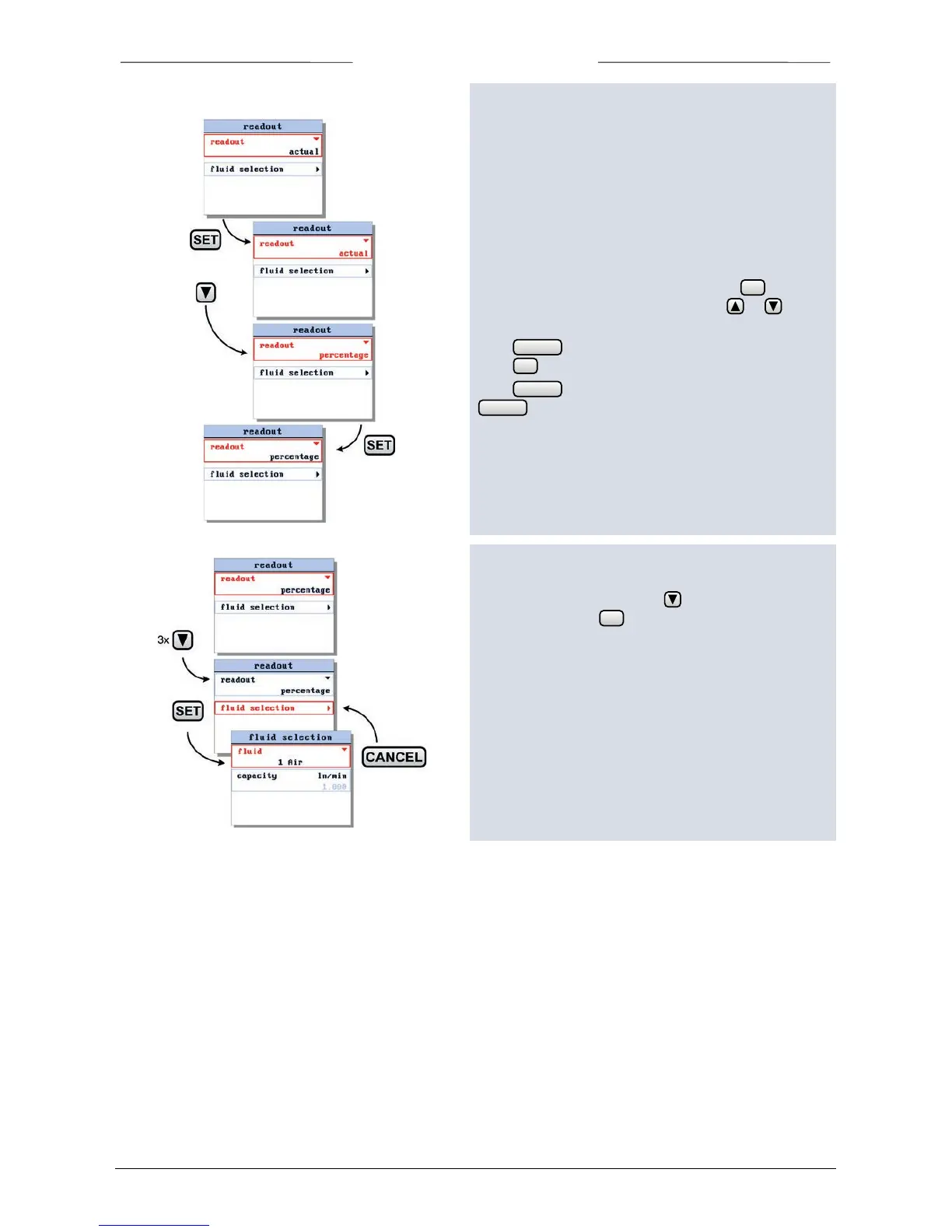
From the readout screen you can edit the following
settings:
o readout format, actual or percentage
o fluidset selection
o capacity
6.2 readout format
Enter the readout settings screen and press to enter
the edit mode of the readout option. Use or to
select either ‘actual’ or ‘percentage’.
Press to exit the edit mode without changing or
press to confirm your selection.
Press to return to the settings menu. Press
again to return from the settings menu to the
readout screen.



 To Next Page