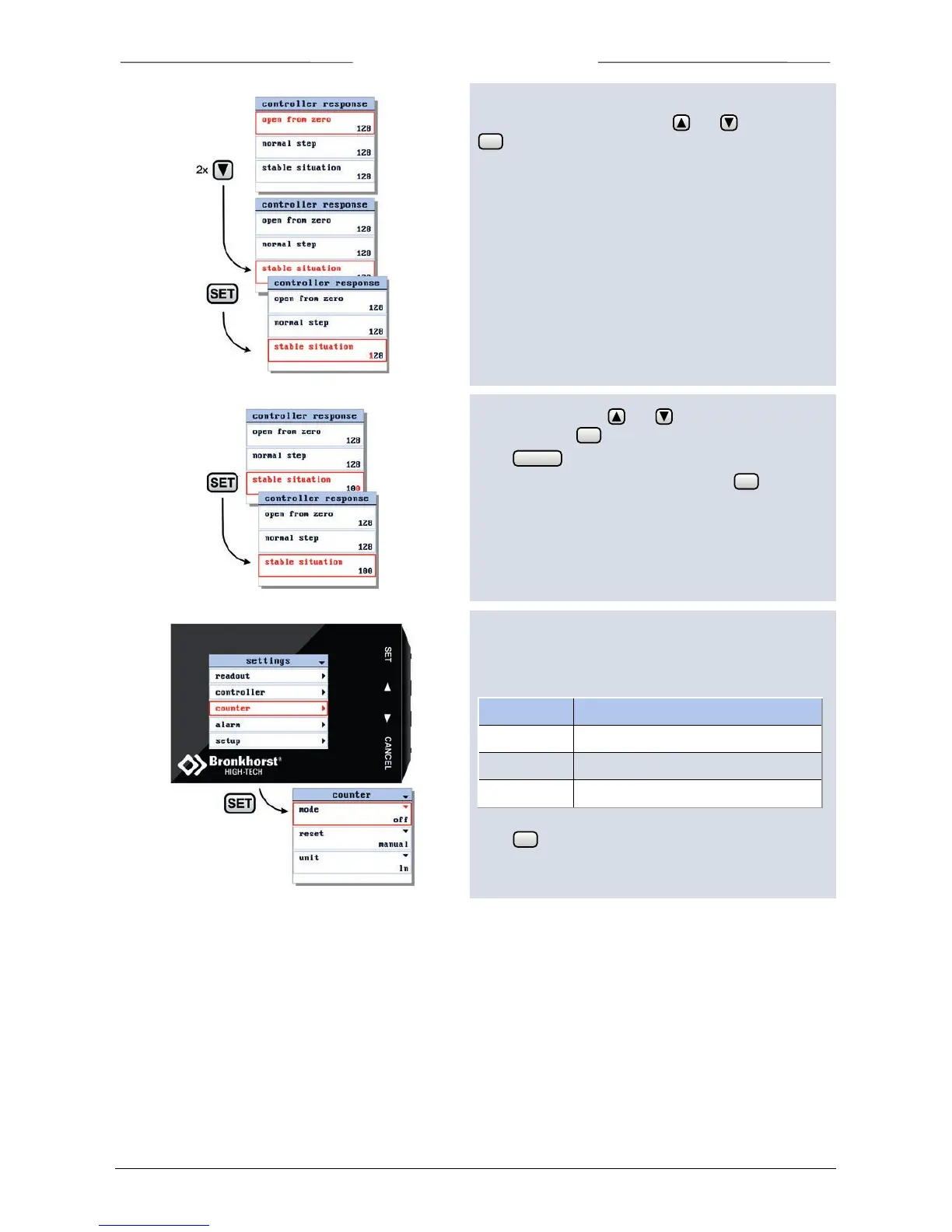
In the controller response settings screen you can select
one of the parameters using the and buttons. Press
to enter the edit mode.
In the edit mode, use and to change each
character. Press to select the next character.
Press to exit the edit mode without changes.
When the final character is changed, press to confirm
and to exit the edit mode.
6.11 Counter settings screen
From the counter settings screen you can customize the
instrument counter. There are three counter modes:
counts up to a programmable limit
Select the counter option from the settings menu and
press .



 To Next Page