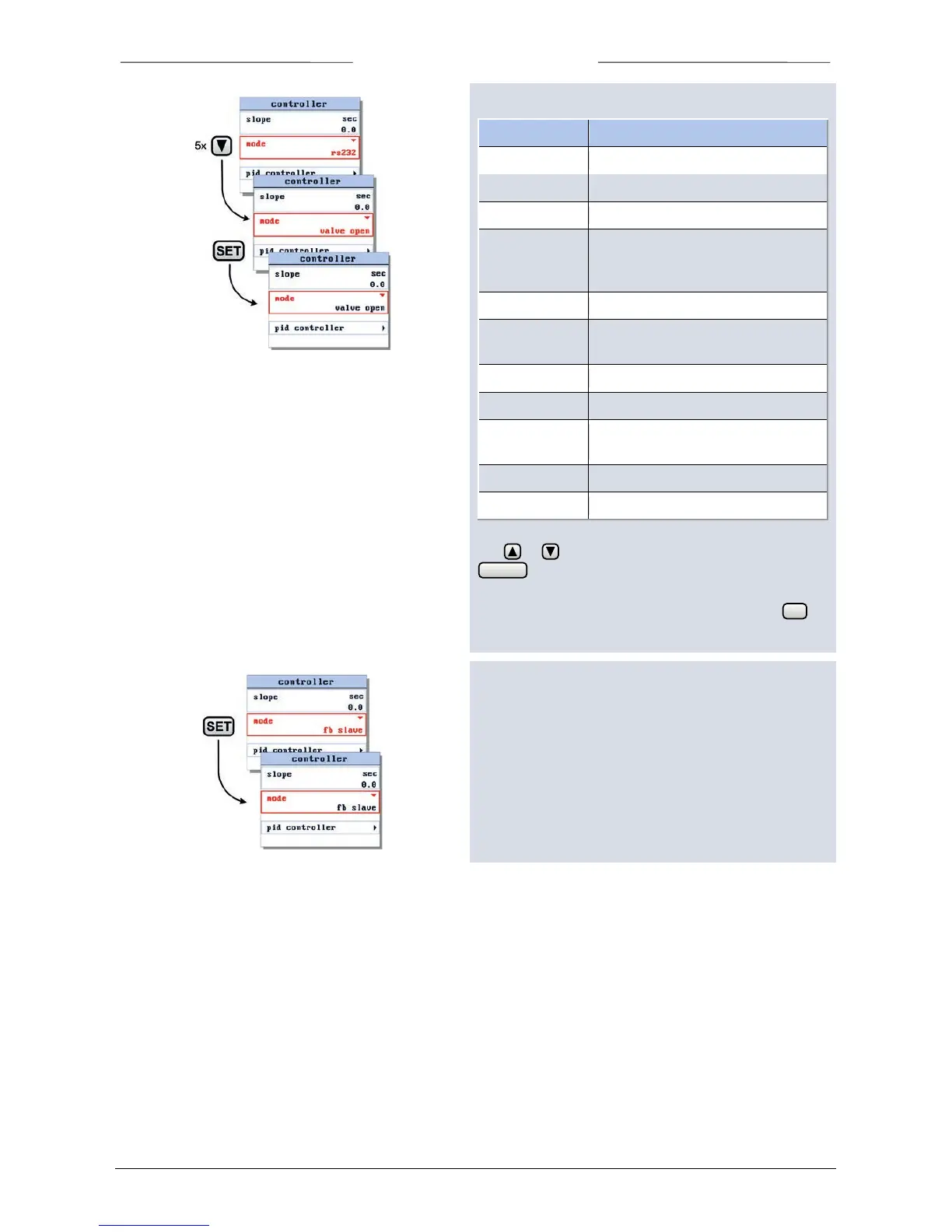
The following controller modes can be selected:
Setpoint via analog input
Setpoint via bus or RS232 (BRIGHT)
Setpoint via RS232 only (BRIGHT)
Setpoint is factor of measure of
master on the bus, factor is set by
Setpoint is factor of analog input
Setpoint is factor of measure of
master on the bus
Setpoint neglected, valve fully open
Setpoint neglected, valve closed
Setpoint neglected, valve stays in
actual position
Use or to select one of these control modes. Press
to cancel selection and exit the edit mode
without changes
When the required control mode is selected, press to
confirm.
6.8 Master slave settings
When you select one of the three slave modes the ‘master
slave’ option will be added to the controller settings
screen.



 To Next Page