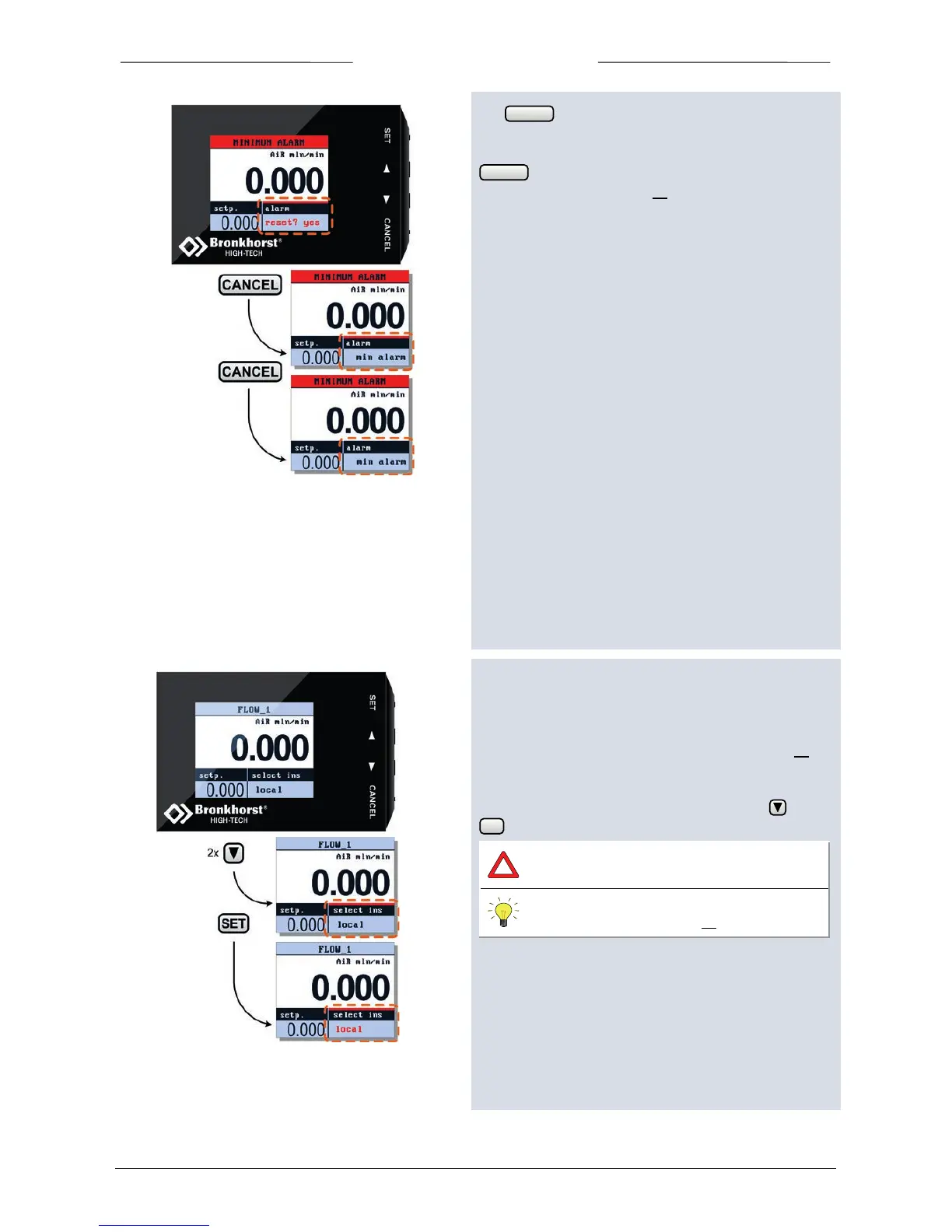
The button can be used to exit the edit mode and
cancel the changes.
If you are not intending to reset the alarm, you can press
to deactivate ‘Custom readout 2’. Check chapter
“Custom readout 2” on page 10 how to select another
parameter in this readout.
Actual alarm messages will always been shown in the
topline.
5.11 Select Instrument
When the instrument is connected to a FLOWBUS system,
it is possible to select another instrument on this bus to
operate. Check chapter “Custom readout 2” on page 10
how to select the option “select instr.” in “Custom readout
2”.
To enter the “select instrument” mode, press 2x . Press
to enter.
Security settings can be set to avoid
unauthorized access to this option.
For changing security settings see chapter
“Security Settings” on page 33.



 To Next Page