7 Security Settings
7.1 Security modes
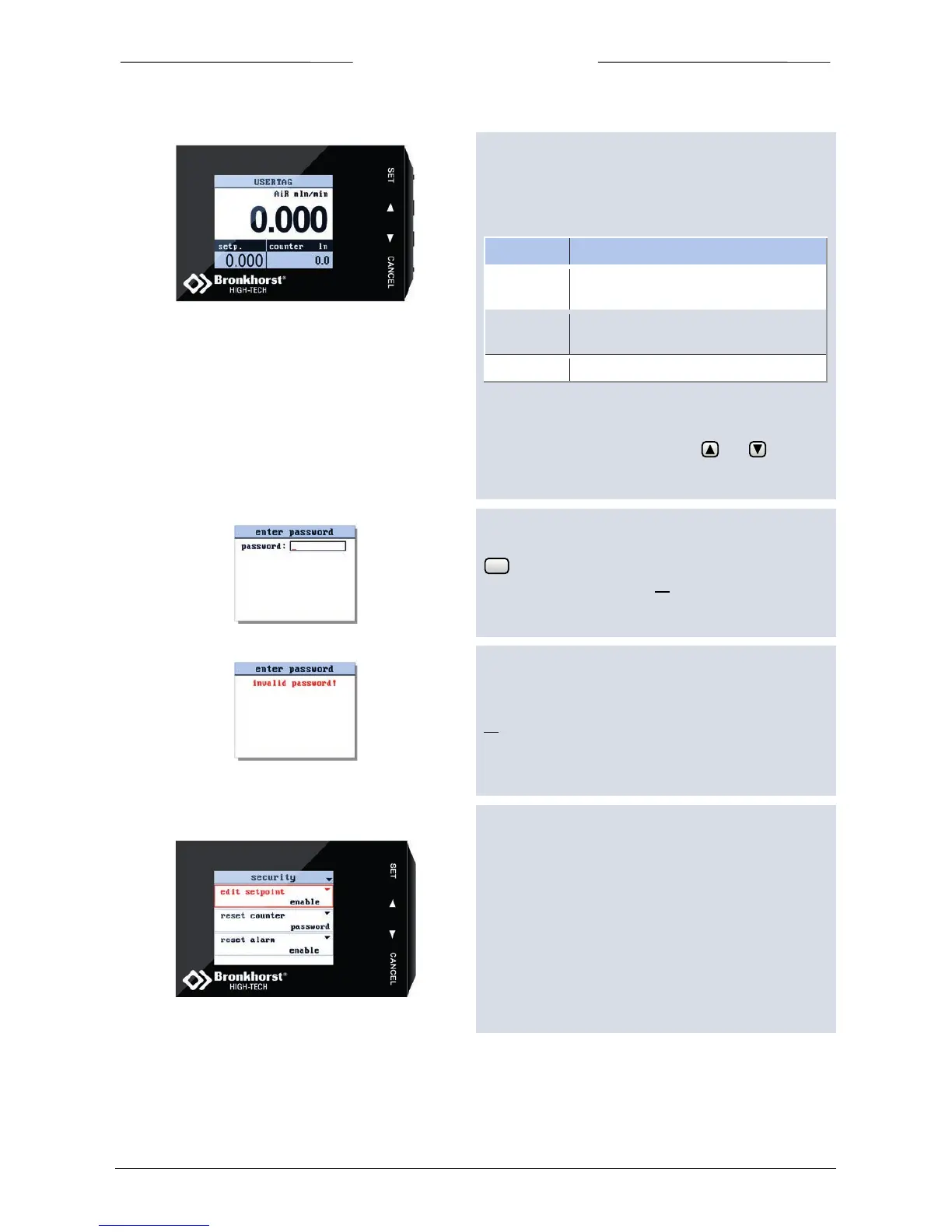
The security settings screen allows you to define the
access of the crucial menu items of the BRIGHT. For every
item, you can choose the following access modes:
7.2 Enter the security settings screen
From the readout screen press both and for
5 seconds till the ‘enter password’ display appears.
The default password is ‘abc’. The password can consist
of a maximum of 8 characters. For less characters press
till the end of the edit field. Please refer to chapter
“Change Password” on page 34 to change password.
If you enter a wrong password, the following message
will appear.
If necessary, refer to chapter “Reset Password” on page
35, to reset the password to it’s default value.
7.3 Security items
When you enter the ‘Security’ menu, the following
display will appear.



 To Next Page