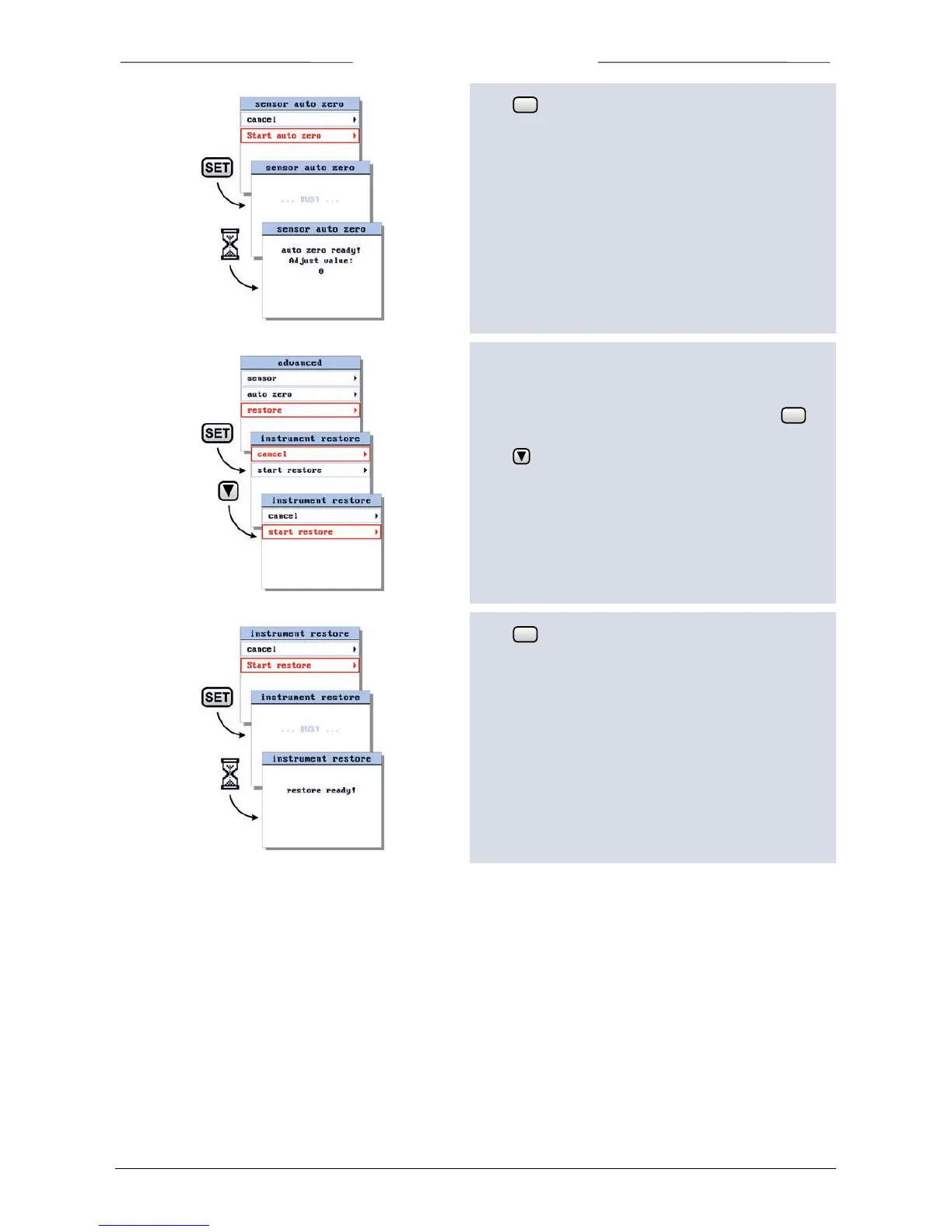
Press to start the sensor auto zero procedure.
While the auto zero procedure is active, the BRIGHT will
show the message ‘busy’. When finished, ‘auto zero
ready’.
Press any key to return to settings menu.
6.28 Restore instrument settings
To start the instrument restore procedure, select the
restore option from the advanced menu and press to
enter.
Press to select the ‘start restore’ option.
Press to start the instrument restore procedure.
While the restore procedure is active, the BRIGHT will
show the message ‘busy’. When finished, ‘auto restore
ready’.
Press any key to return to settings menu.



 To Next Page