and start-up
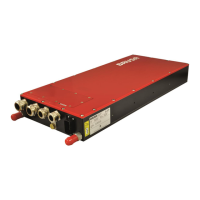
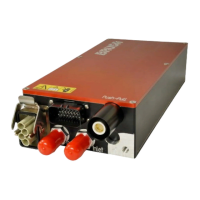
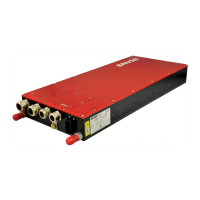
10.4 Brusa CVI
The CVI software serves as user interface for internal laboratory applications for
BRUSA Elektronik AG. It is used as test bay software and does not guarantee save operating states.
The CVI is provided to customers as example for a custom user interface for first tests with no
guarantee.
If the BDC546 is operated via CVI, no superordinate control unit can be applied. (CAN collision)
BRUSA Elektronik AG cannot assume any liability for damage to the BDC546 or other devices
due to operation with the CVI software!
BRUSA Elektronik AG does not assume any liability for operation with the CVI software!
10.4.1 CVI software installation
The CVI CAN user interface can be found in the PC software folder as CVI.zip.
If the PARAM software has already been installed with the required drivers, the CVI folder of the Zip files
only needs to be copied to the PARAM installation folder. The CVI software does not require any further
installation steps.
If the PCAN USB adapter (dongle) is connected to the PC, the CVI software can be started.


 To Next Page