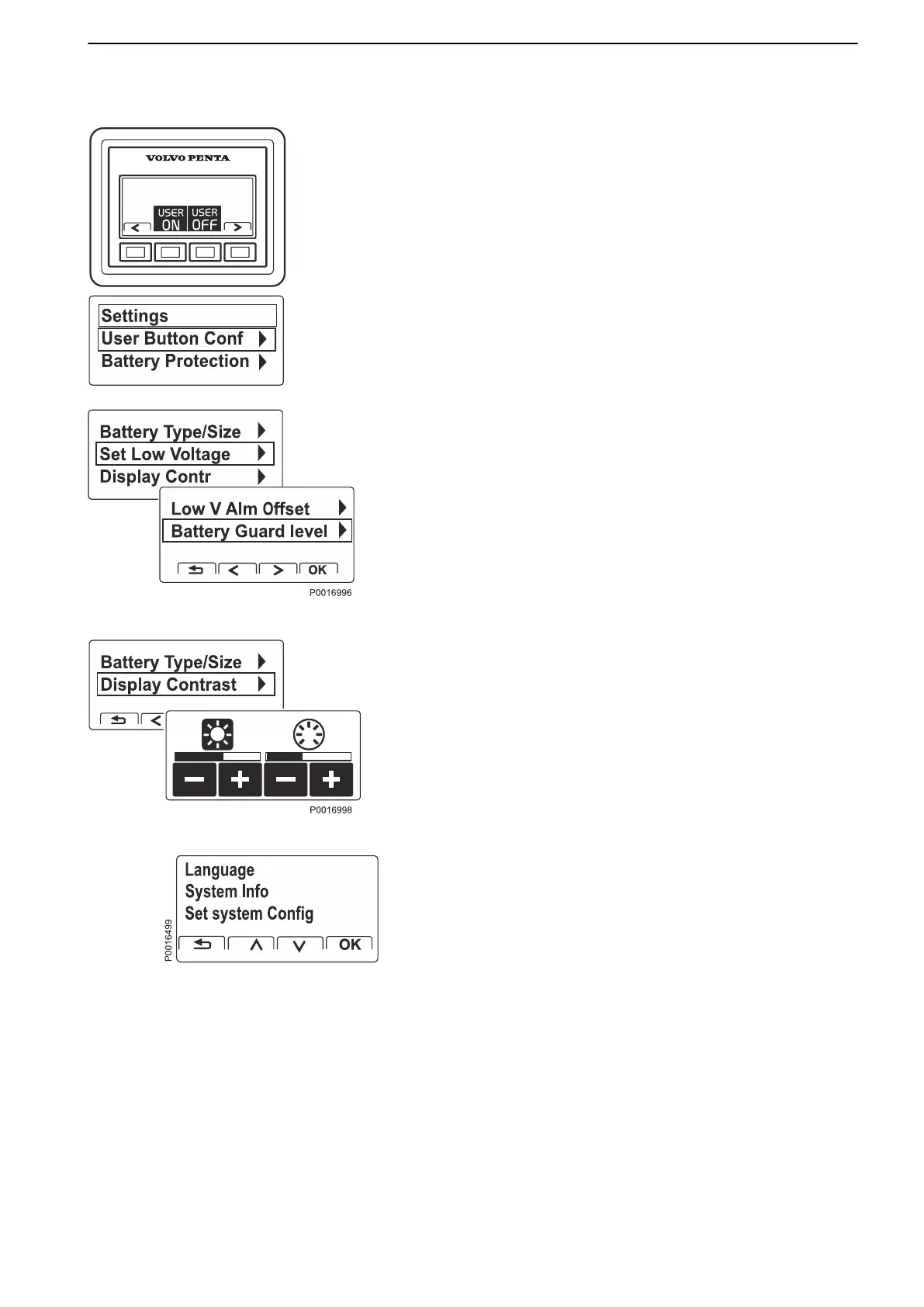
Settings
Manage and set viewing of drivelines, groups,
batteries and alarm levels in the Battery Management
display.
User Button Configuration. Battery and Accessory
Groups.
Set selection of groups to be affected by User
ON and User OFF. The selected groups will then be
handled simultaneously by: All ON respective All OFF.
Battery protection. Set alarm limits and levels for
each battery. The values form the basis for when
specified levels will alert/switch off to prevent total
power loss or battery getting damaged or drained. The
menu includes settings for Start Aid and Start Aid
Level .
Display Contrast. Adjustment of contrast and
backlighting.
Stand-alone system, non EVC installations also
have the menus Language, System Information and
Set System Configuration.
Optional
47708085 11-2016 © Bukh 49


 To Next Page