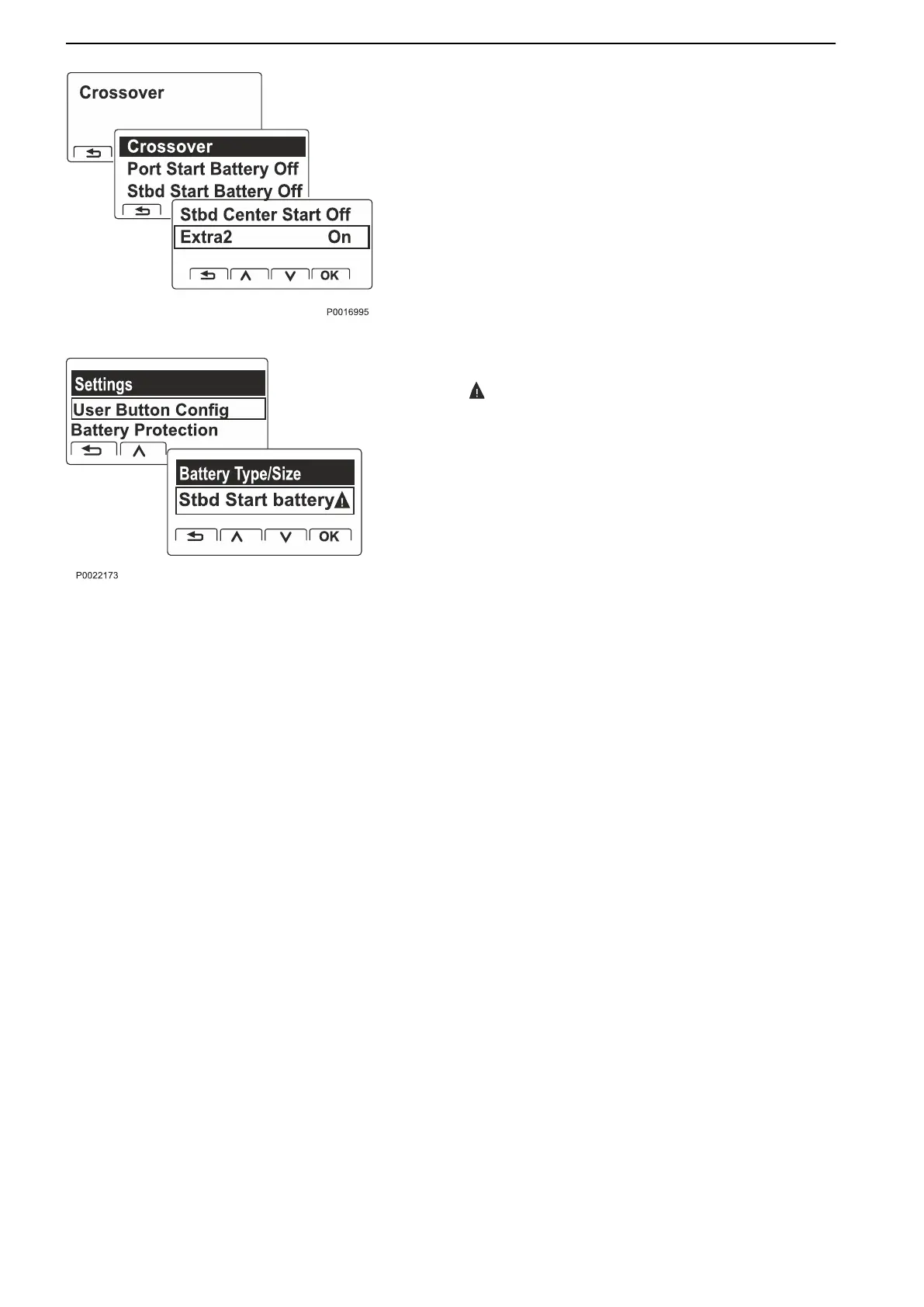
Crossover Activate/deactivate the function for each
individual BCM.
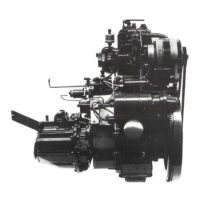
Settings for Battery Sensor
The symbol indicates that settings are required.
Battery type/size. State the values stated on the
manufacturer’s battery. These form the basis for the
information shown in the display.
If a new battery or a battery sensor has been
connected or removed, select Reset
and set the
current values.
NOTICE! Battery type/size is important so that the
system is able to present accurate and correct
information.
Optional
50 47708085 11-2016 © Bukh


 To Next Page