110
MACRO SCHEDULE
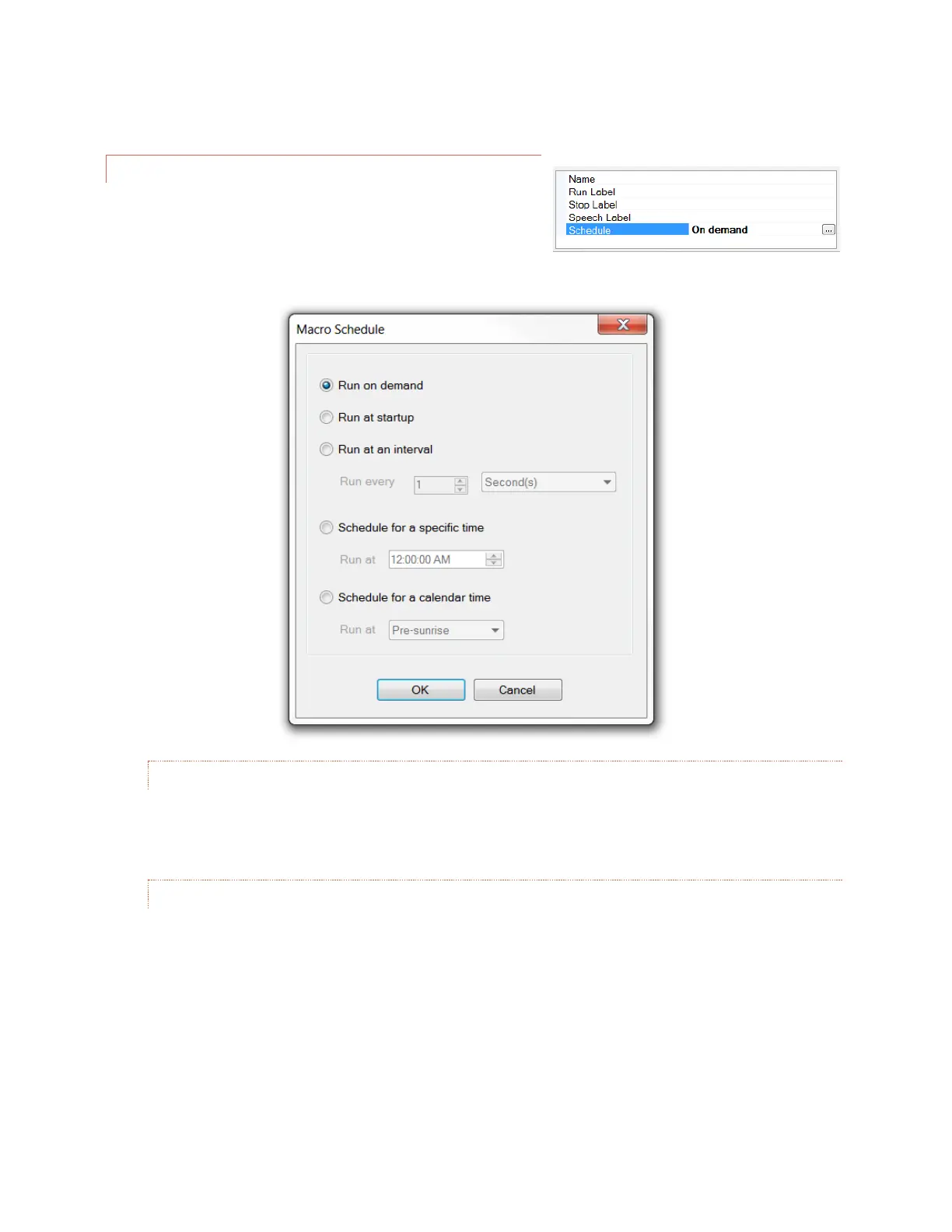
The following start/stop methods can be set from the Macro
Schedule dialog box. On the macro editor, click on the cell next to
Schedule in the lower right hand corner, then click on the […]
button. This will bring up the dialog box.
ON DEMAND
This is the default and is the correct setting for all of the above methods.
AT STARTUP
When the ARC Plus Touch first powers on, a macro can be set to run. When the macro ends it will not run
again until the next power on, unless it is started manually. This is useful for automatically initializing a
system after a power failure. If the macro loops infinitely, it will always run unless it is stopped manually.



 To Next Page