64
HIDING UNUSED CHANNELS
The ARC Plus Touch front panel, AutoPilot and web page will
show all 256 metering, status and command channels (real or
virtual). If fewer channels are used, you can remove unused
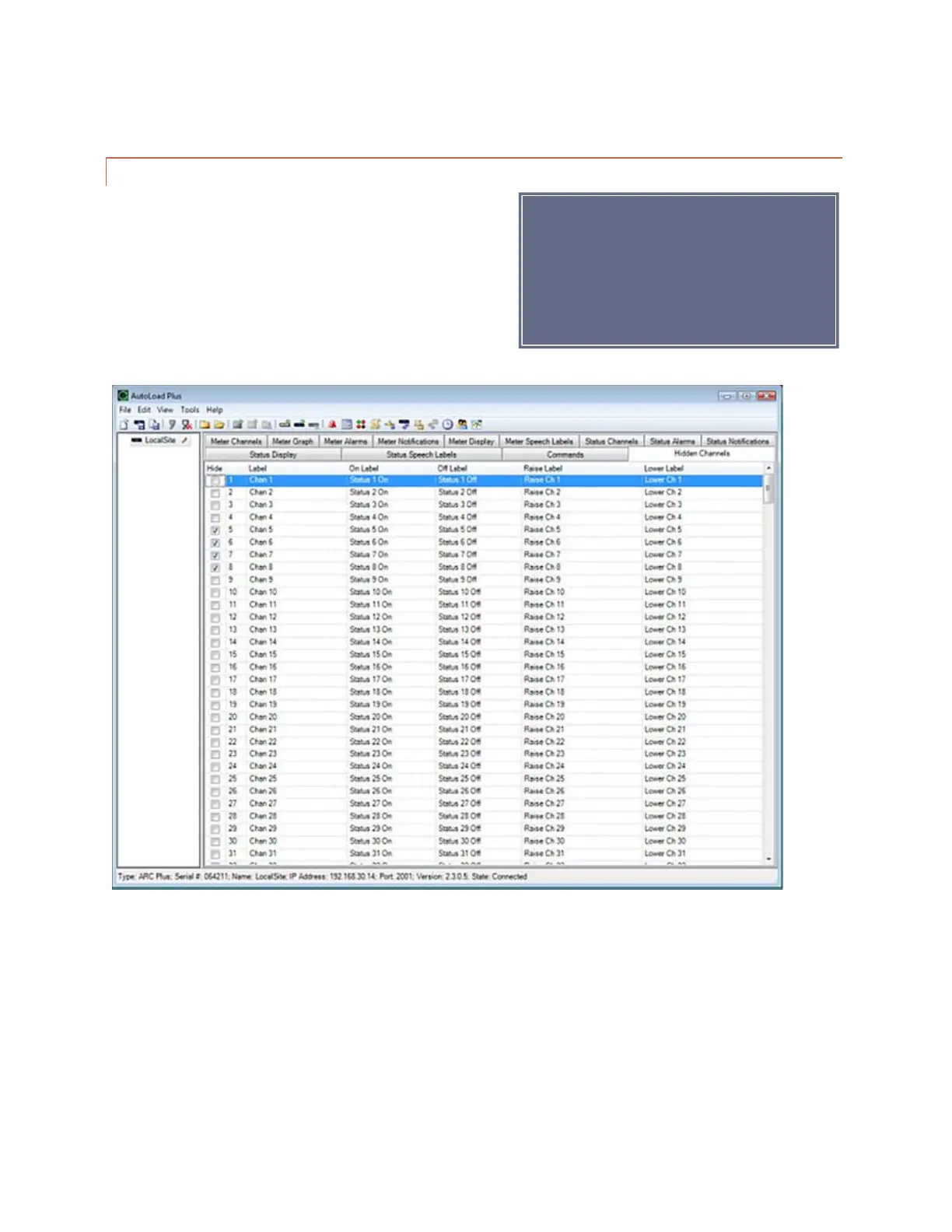
channels from display by clicking the Hidden Channels tab and
checking off boxes under the Hide heading. This will remove
the metering, status and command channels from view.
If you have a block of channels to hide or
unhide, choose Hide/Unhide Channels…
from the Tools menu to select channels in
blocks.



 To Next Page