55
DIAL-OUT LISTS
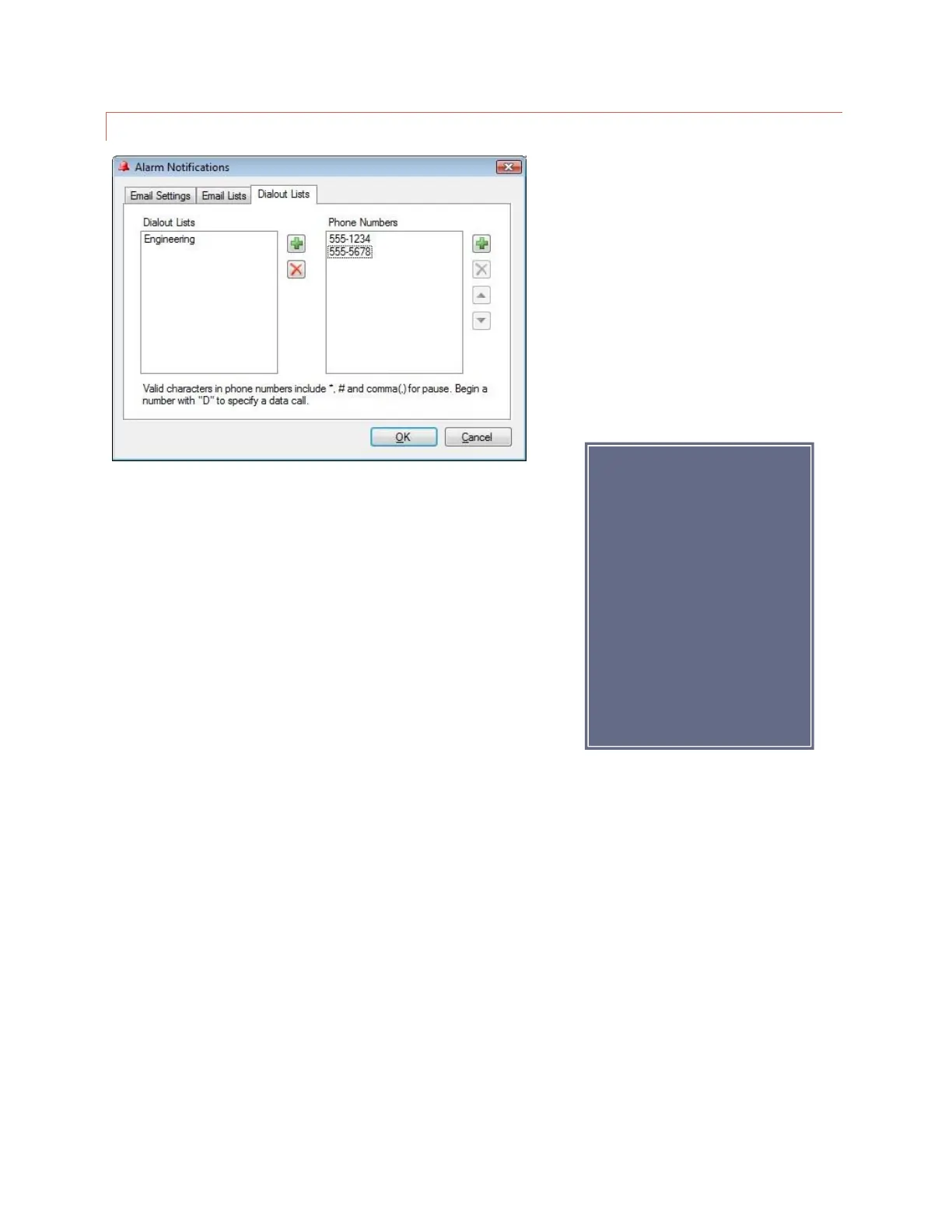
Edit>Settings>Alarm Notifications – Dial-out Lists
To set up your dial-out lists, navigate to the Dial-out Lists tab. Click the
Add button (plus sign icon) to the right of the Dial-out Lists column and
enter the name of your first list where prompted. Then click the Add
button (plus sign icon) to the right of the Phone Numbers column and
assign telephone numbers to this list.
If you wish for an alarm
notification to dial a
modem-equipped PC
running AutoPilot, precede
the telephone number with
D (for data). This is a useful
way to log an alarm to the
PC if there is no IP
connectivity to the remote
site.
.



 To Next Page