3
USING THIS MANUAL
This manual is best viewed as a .pdf on a computer or tablet, as
there are many hypertext links to help you get to the section you
need. Since most of the initial setup requires AutoLoad running on
a PC, keeping a copy of the manual in .pdf form on the same
machine is very natural.
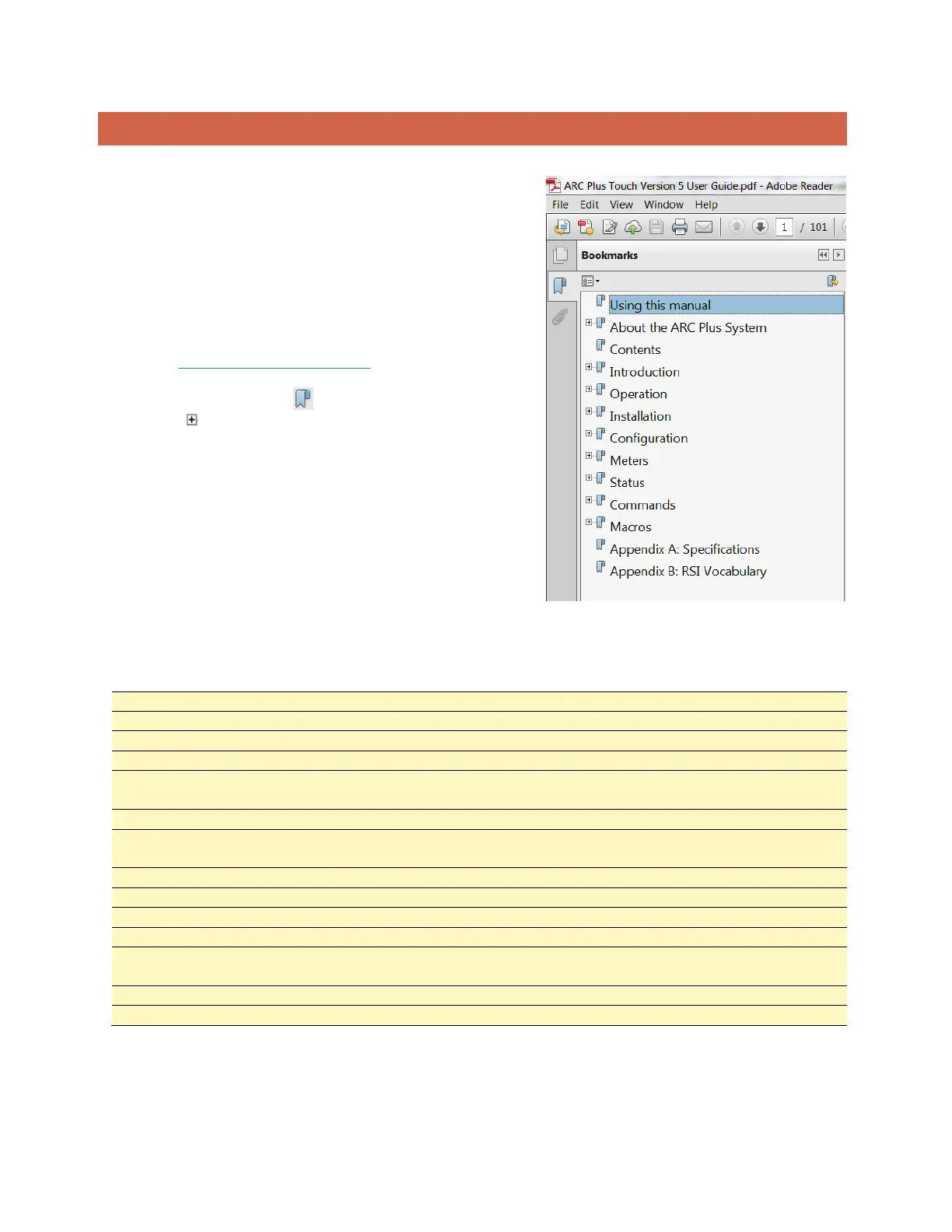
The .pdf file has bookmarks to help with navigation, so be sure
you have a current copy of Adobe Reader on your computer and
have the Bookmarks enabled. You can download the most recent
version at http://get.adobe.com/reader/.
To enable bookmarks, press and expand the desired section
by pressing .
You can also jump directly to a section from the . Just click on the
section or page number to go directly there.
Please take a few minutes to familiarize yourself with the
organization of this manual, as it will likely save time later when
you need to find a specific piece of information quickly.
Throughout the manual, you will find hypertext links that look like
this: USING THIS MANUAL. Click on the link to go directly to the
named section.
For starters, here is a quick set of links to the major sections of the manual:



 To Next Page