82
METER DISPLAY
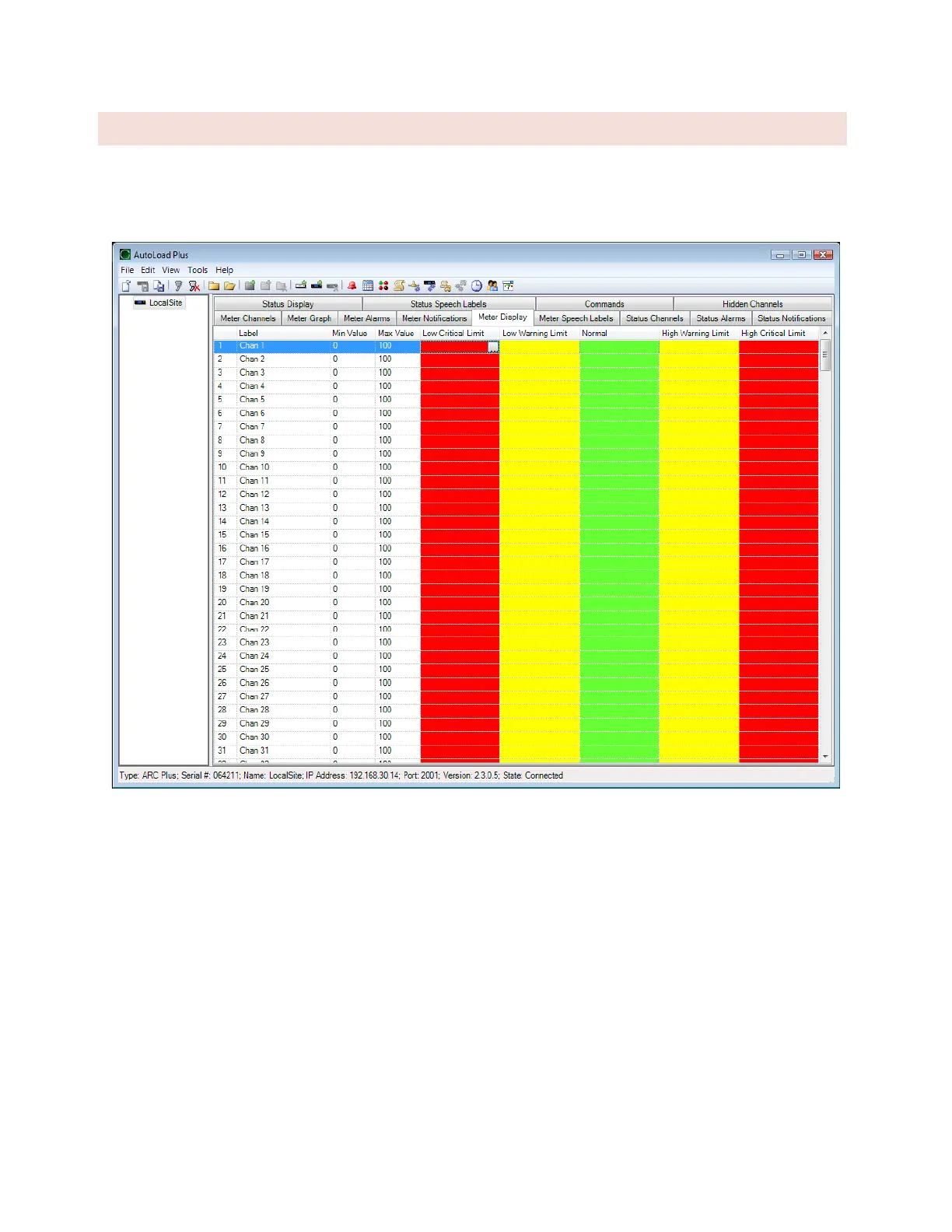
The meter display tab provides access to display parameters for each metering channel. Colored ranges appear on
the ARC Plus Touch display, AutoPilot, and on the web page. Color and meter range selections are stored onboard
the unit so channels will appear the same on every PC used to access the site.
Under the Min Value and Max Value headings, choose the lower and upper bounds for the meter display in
AutoPilot and the web page. Then click the […] icon to modify the color selections for each segment of the meter.
By default, meters show red for the ranges outside of critical limits, yellow for the ranges that encompass warning
limits, and green for the normal range.



 To Next Page