75
METER CHANNEL SOURCE
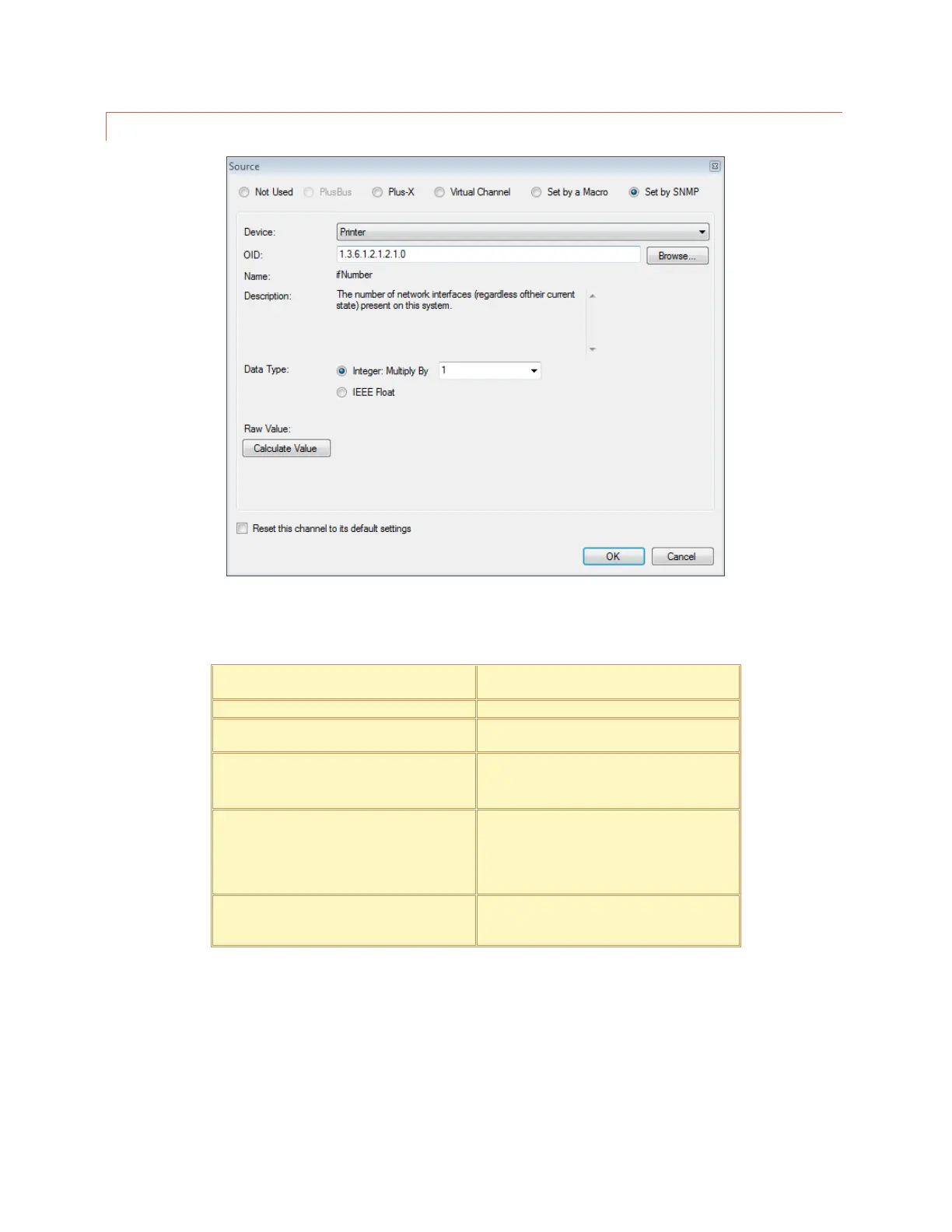
On the Meter Channels tab, click the […] icon under the Source heading to configure the source for this channel.
There are six options:
Selected by default. Indicates that a meter
channel is not in use.
This option allows you to map a Plus-X
channel. This is the most common selection.
Calculates a value for this channel. Click or
turn to VIRTUAL CHANNELS for
instructions.
This option allows a macro to set this
channel’s value. To assign the value, use the
Set command in a macro (Click or turn to
MACRO EXPRESSIONS) or in Jet™
Active Flowcharts in AutoPilot®.
This option instructs the ARC Plus to populate
the meter channel with data retrieved from
an SNMP-enabled device.



 To Next Page