62
site max retries setting determines how many times it will retry the primary site before attempting to connect to
the Backup ESI site.
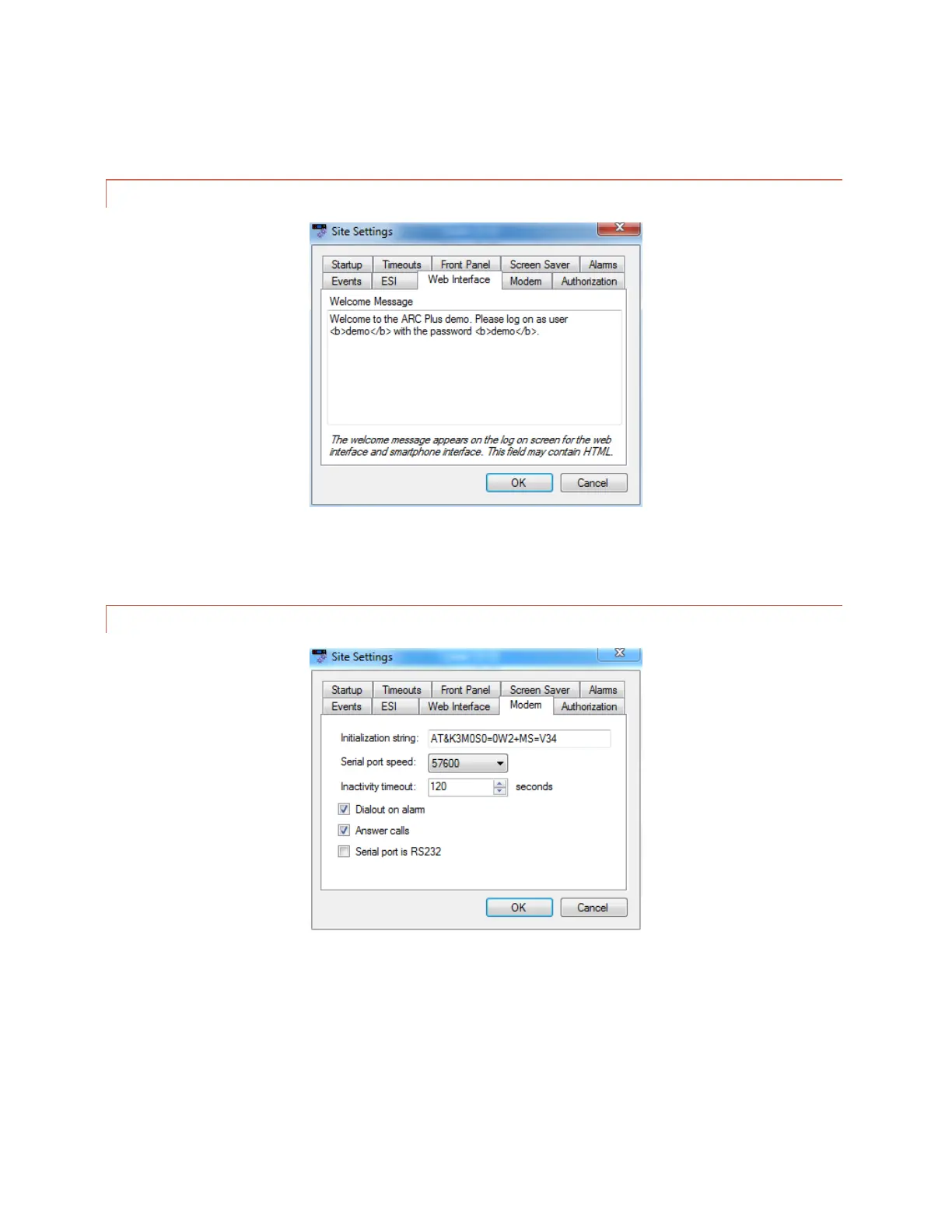
WEB INTERFACE
Edit>Settings>Site Settings – Web Interface
The Web Interface tab allows you to customize the web interface welcome message.
MODEM SETTINGS
Edit>Settings>Site Settings - Modem
If you are connecting a dial-up modem to the ARC Plus, enter the modem’s initialization string and connection
speed where prompted. The Inactivity timeout determines how long the ARC Plus will wait after the last data
exchange before disconnecting a modem connection.
To allow the modem to be used for dial-out notifications and incoming calls, leave the Dial-out on alarm and
Answer calls boxes checked. Disabling these options is a means to turn off the modem functionality for this site.



 To Next Page