22
NETWORK
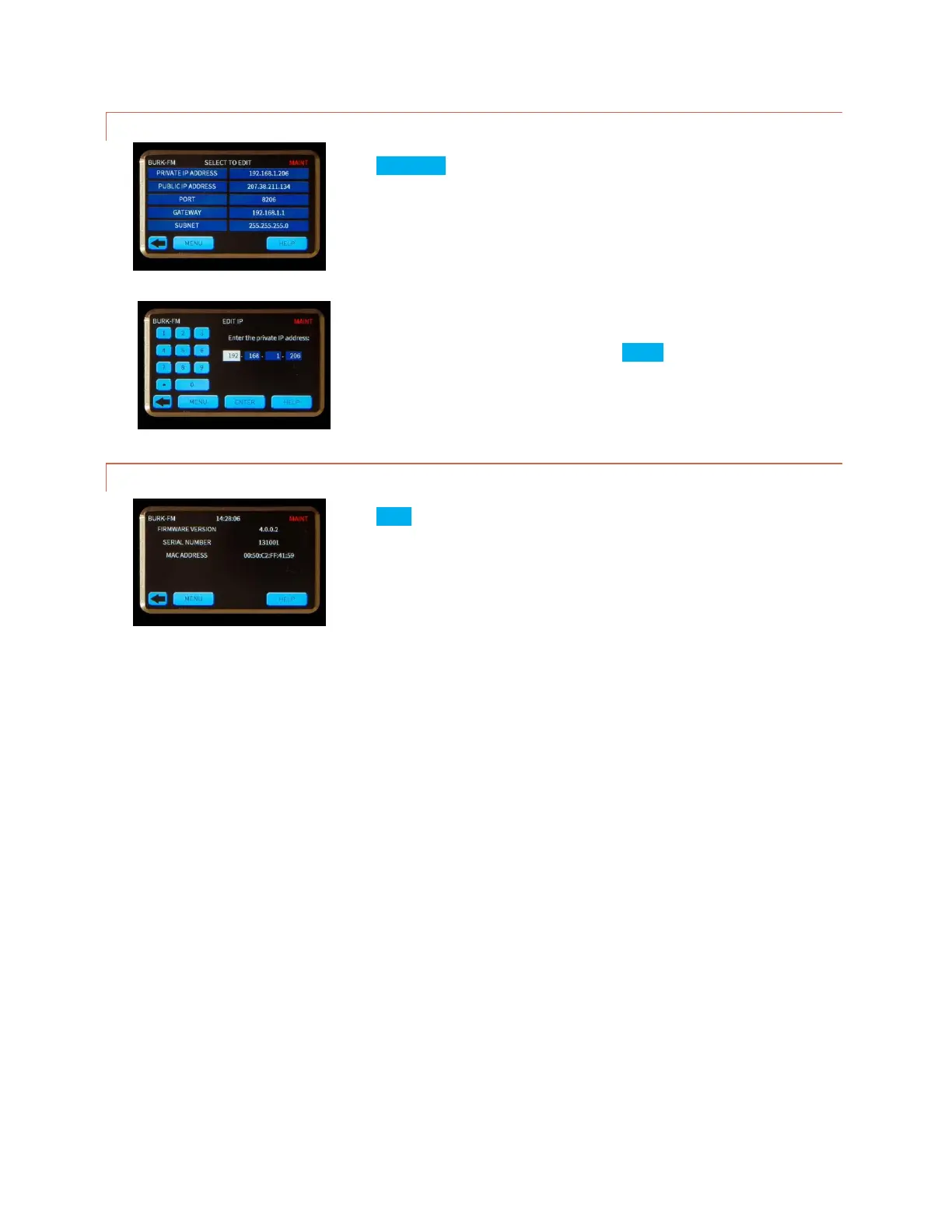
Press NETWORK to display the network settings.
Press the desired parameter to select the appropriate edit screen.
Press the field to be changed then use the keypad to enter the correct value.
Repeat until all fields are correct then press ENTER.
INFORMATION
Press INFO to display the firmware version, serial number and MAC address.



 To Next Page