93
COMMAND SOURCE
Commands are used either to operate relays in Plus-X devices, to start/stop the execution of macros, or to control
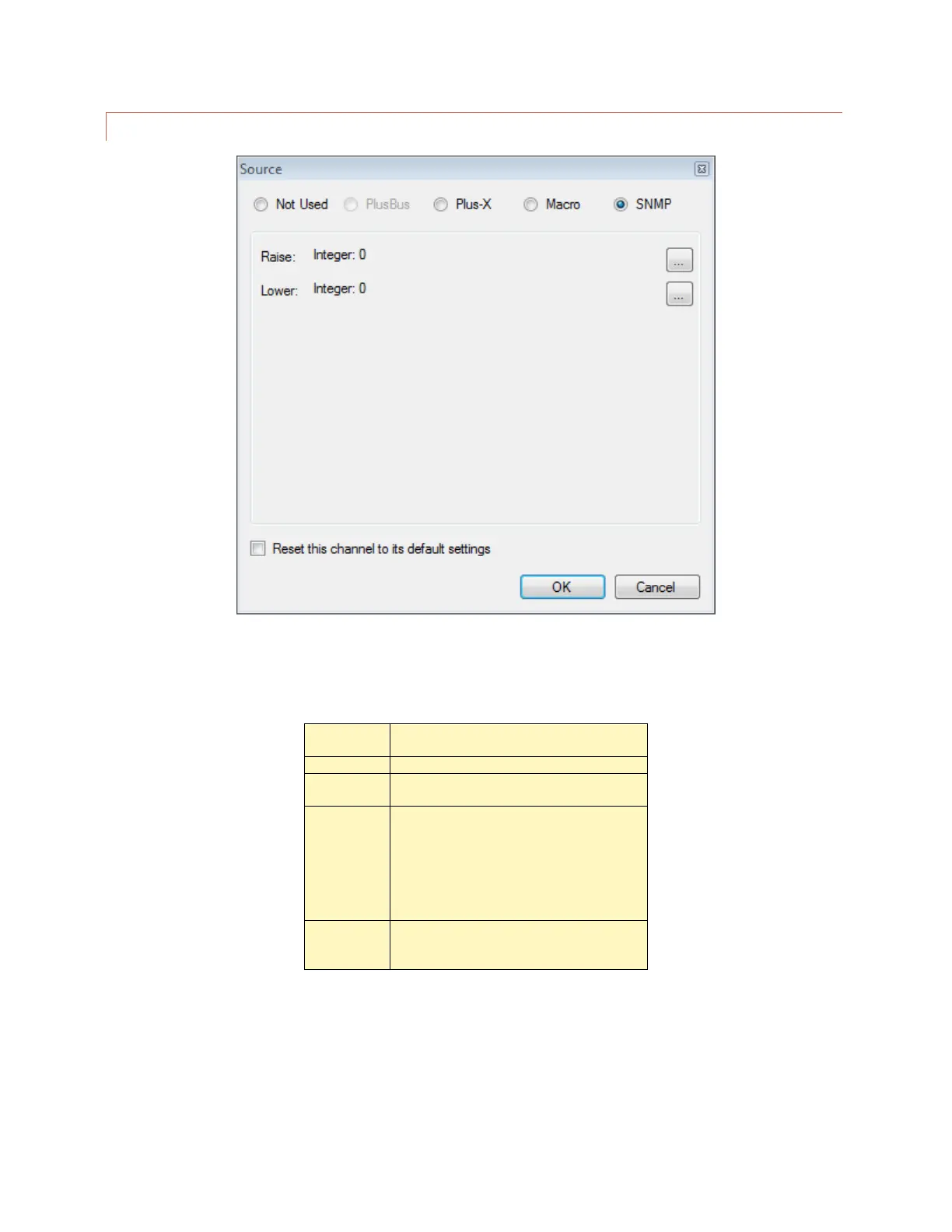
SNMP devices. In AutoLoad Plus, hover over the source column and click the […] button on the right side of the
Source column. There are four options:
Selected by default. Indicates that a
command channel is not in use.
This option allows you to map a Plus-X
channel. This is the most common selection.
This option allows you to run a macro by
issuing a raise or lower command to the
channel. Two different macros may be
assigned to a channel’s respective raise and
lower commands.
Note: You can always run/stop macros from
the macro list.
This option instructs the ARC Plus to send
SNMP messages by issuing raise or lower
commands to the channel.



 To Next Page