27
SMARTPHONE WEB PAGE
The ARC Plus smartphone-optimized web page is designed to work
with iPhone, Droid and other popular smartphones.
To access the smartphone interface, add /mobile/ to the URL for
your ARC Plus. For example, if your ARC Plus’ IP address is
192.168.0.100, navigate to:
http://192.168.0.100/mobile/
Be sure to include the trailing “/”.
The smartphone interface is designed for use on a smartphone or
other small format mobile device. While it is possible to view this
page on a desktop, laptop or tablet, the page may not display as
expected. However, the standard web interface will work correctly
on these devices.
SECURITY
The smartphone interface never transmits your password
unencrypted. When you log on, client-side code creates a one-
way hash of your password to send to the ARC Plus.
NAVIGATING
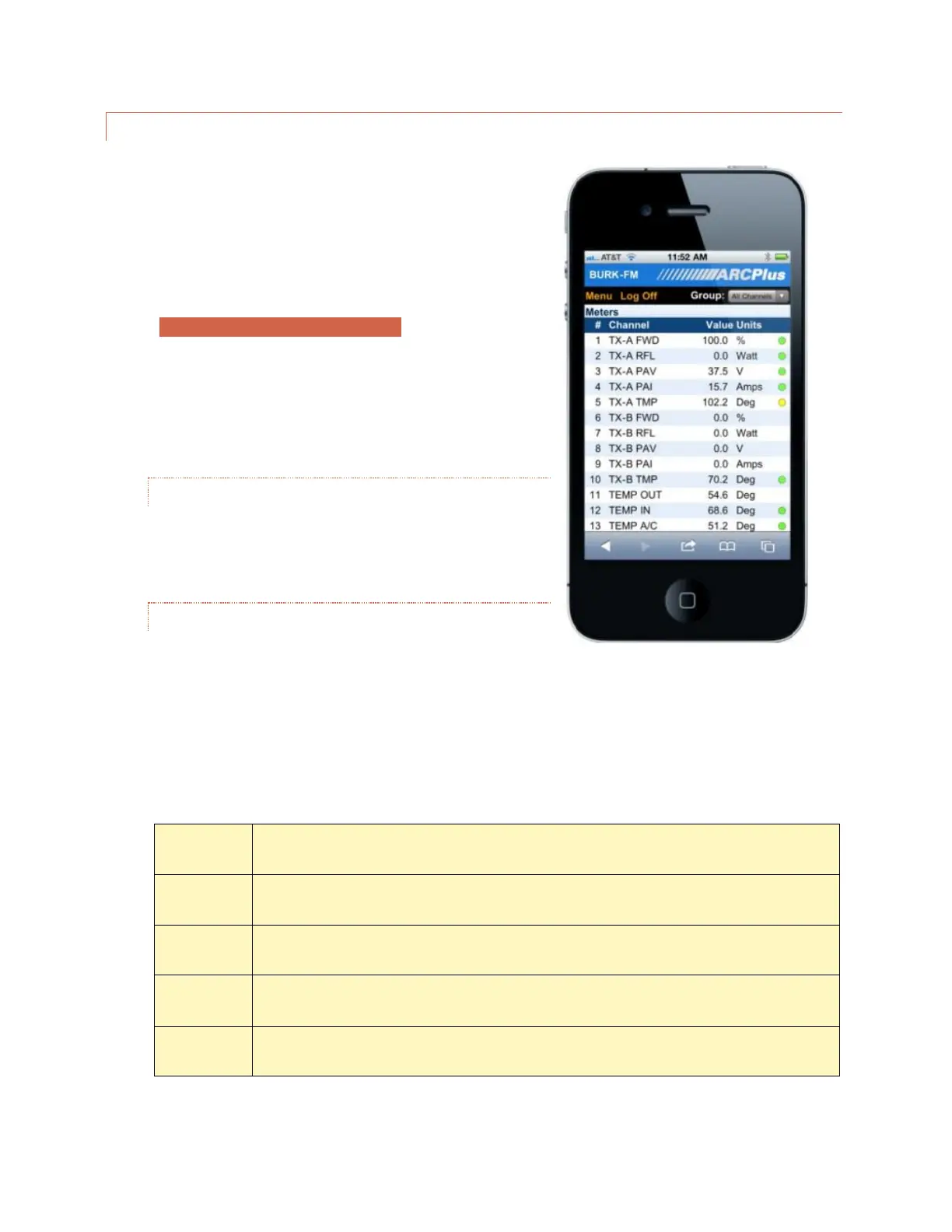
When you log on to the smartphone interface you will see the
Channels page. This page displays your meter, status and
command channels in a vertical list. If you have more
channels than fit on one screen, scroll down to see more channels.
As with the web interface, use the Group list to select a channel bank.
Use the Menu link to display the additional features available in the smartphone interface:



 To Next Page