79
METER ACTIONS
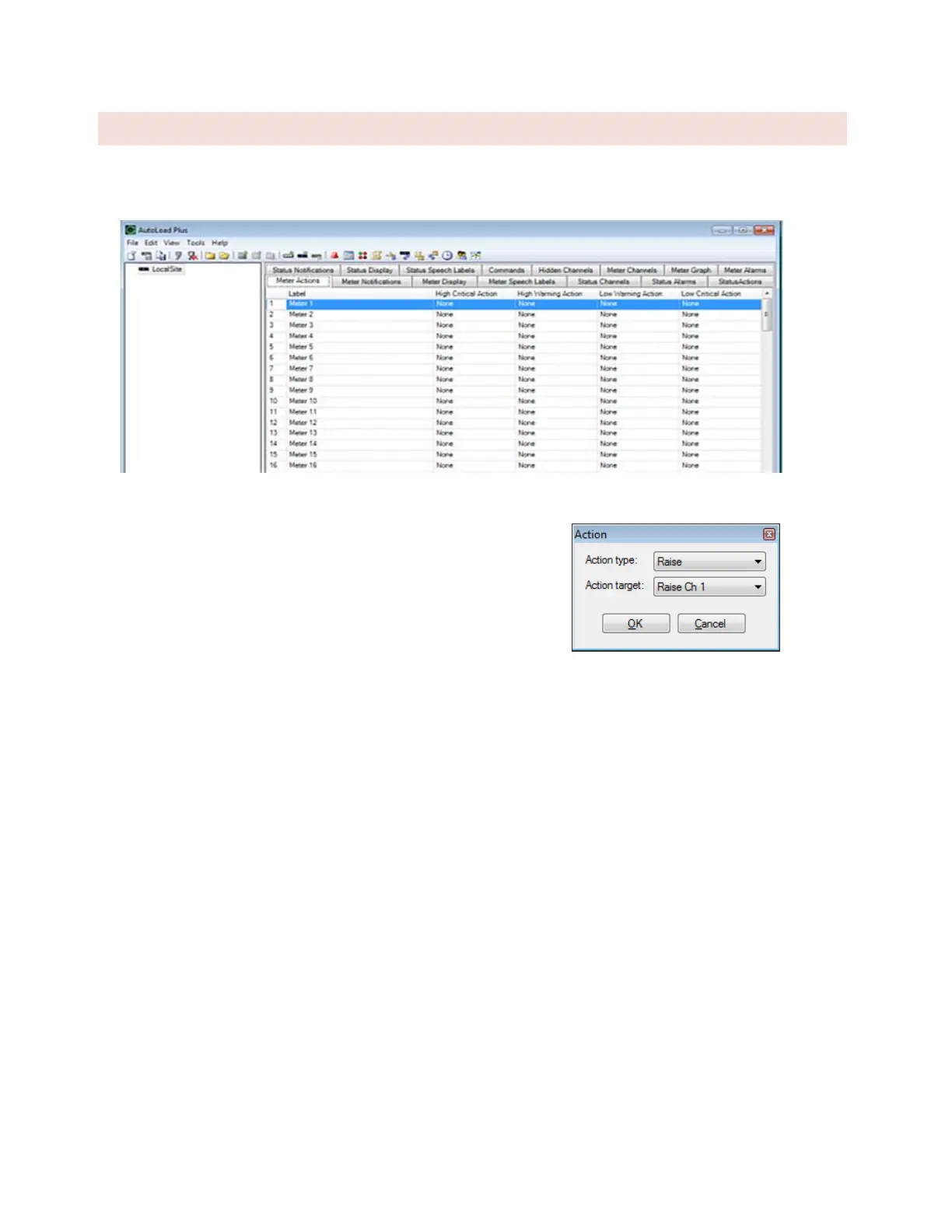
Meter Actions instruct the ARC Plus to automatically issue a command or run/stop a macro when a meter channel
crosses a limit. Each limit is individually configurable.
Meter Actions Tab
To configure an action, navigate to the Meter Actions tab. Hover over
the cell and click the […] button for the channel and limit that you
want to set. Select the type of action (raise, lower, run macro or stop
macro), and the target channel/macro.



 To Next Page