85
STATUS
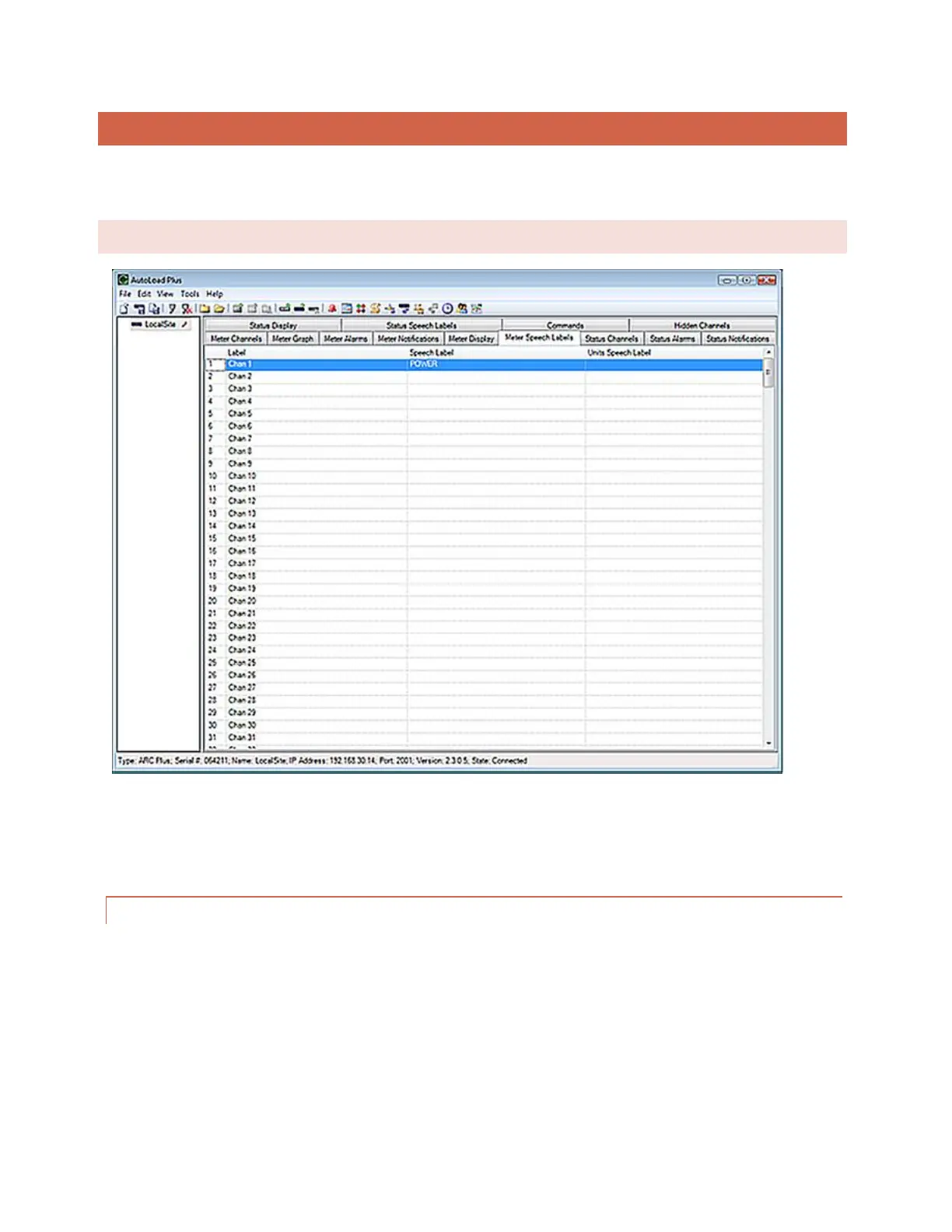
Configuration for the ARC Plus status channels is broken out into several tabs in the main display area of AutoLoad
Plus. Complete the configuration fields on each tab to set up your status inputs.
STATUS CHANNELS
Under the On Label and Off Label headings, enter names for the status on and status off conditions, respectively.
Labels can be up to twenty (20) characters.
INVERTING A STATUS CHANNEL
Normally a status “high” input results in the ARC Plus showing a status “on” condition. If you want a status “low”
input to result in the “on” condition, check the box under the Invert heading.



 To Next Page