80
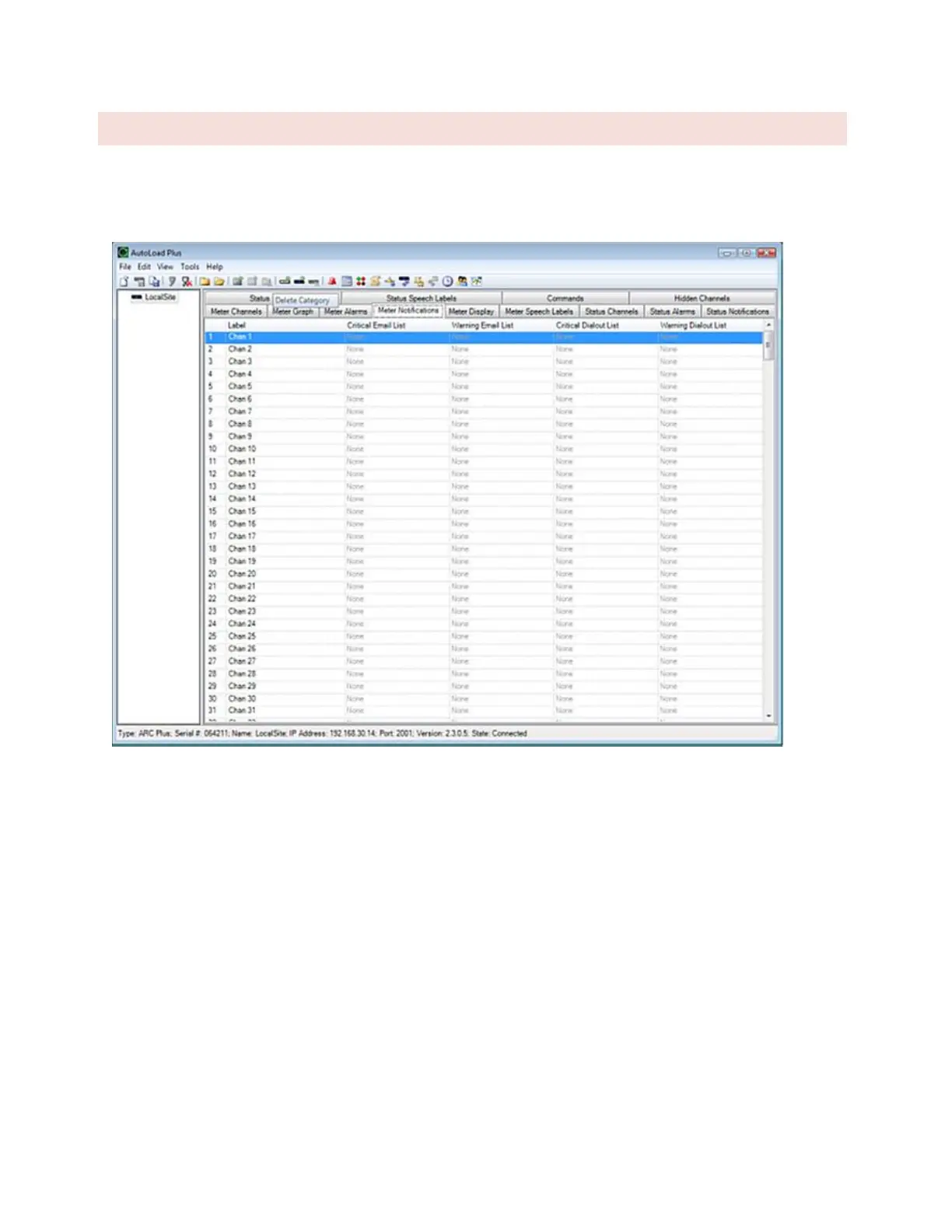
METER NOTIFICATIONS
Each channel can be configured to send email and/or dial-out notifications when an alarm condition exists and the
channel’s alarm is enabled (and not muted). The critical thresholds and warning thresholds can each initiate phone
calls and emails to separate lists.
Each channel can be configured to send email and/or dial-out notifications when an alarm condition exists and the
channel’s alarm is enabled (and not muted). The critical thresholds and warning thresholds can each initiate phone
calls and emails to separate lists.
To set up notification list assignments, navigate to the Meter Notifications tab and use the drop-down lists to
select the email lists and dial-out lists each alarm will use. Before a list is available for selection, it must be created
using the Alarm Notifications dialog (Click or turn to



 To Next Page