69
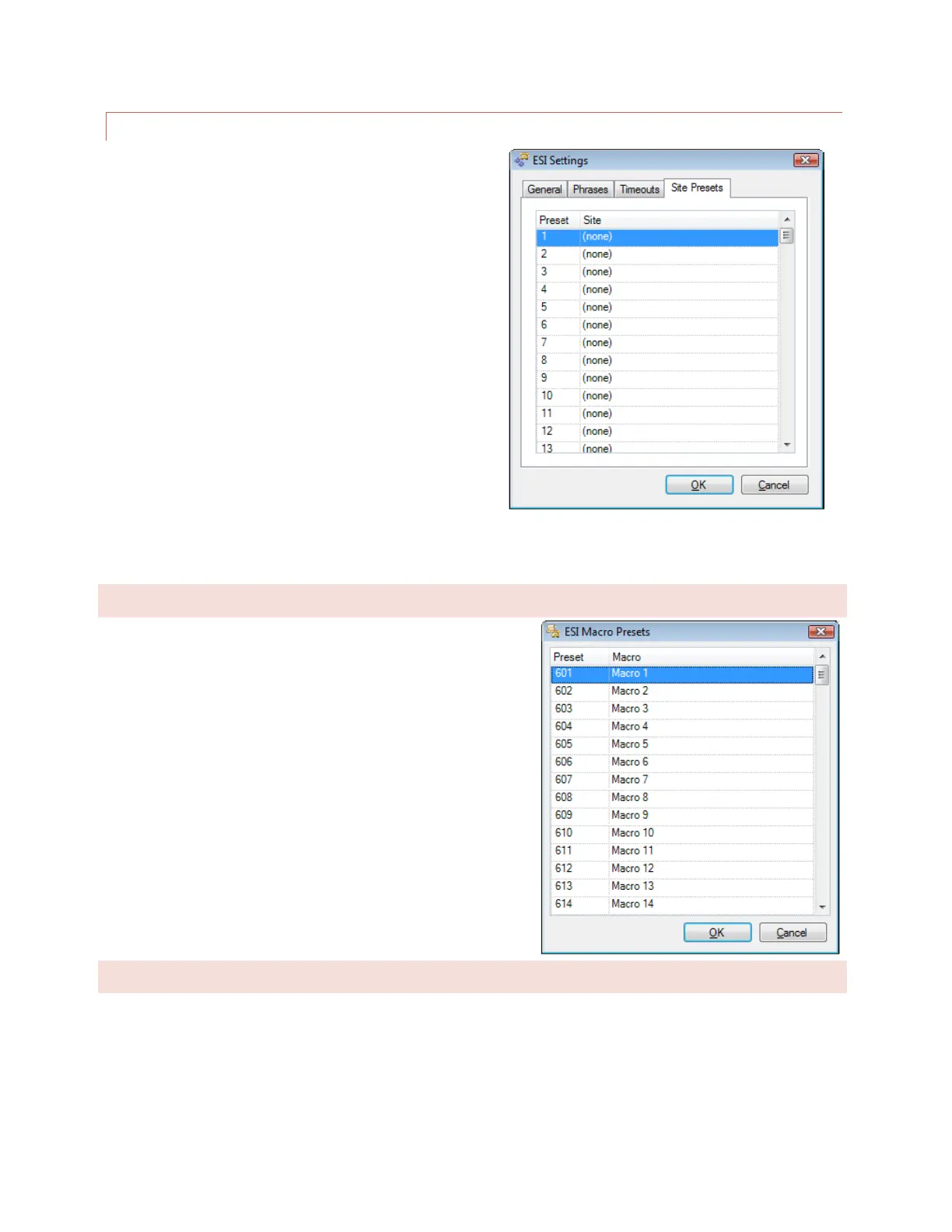
SITE PRESETS
In multi-site systems, it may be easier to select new sites
using a preset list, in lieu of spelling the site name with the
telephone keypad. To set up presets for up to 98 remote
sites, click under the Site heading to choose a site name for
as many preset numbers as desired. Once presets are
established, entering 401-498 during an RSI session will
make the new site active for the session.
Edit>Settings>ESI Settings – Site Presets
MACRO PRESETS
To set up the preset numbers used to identify macros during an
RSI session, open the ESI Macro Presets dialog from Edit >
Settings > ESI Macro Presets… and select macro names to be
associated with as many presets as desired.
SITE SPEECH LABEL
To assign the ARC Plus a speech label for site identification during an RSI session, choose Set Site Name Speech
Labels… from the Tools menu. Even if an RSI is not installed on a particular ARC Plus unit, assigning a speech label
allows other RSI units to identify the unit during an RSI session.



 To Next Page