59
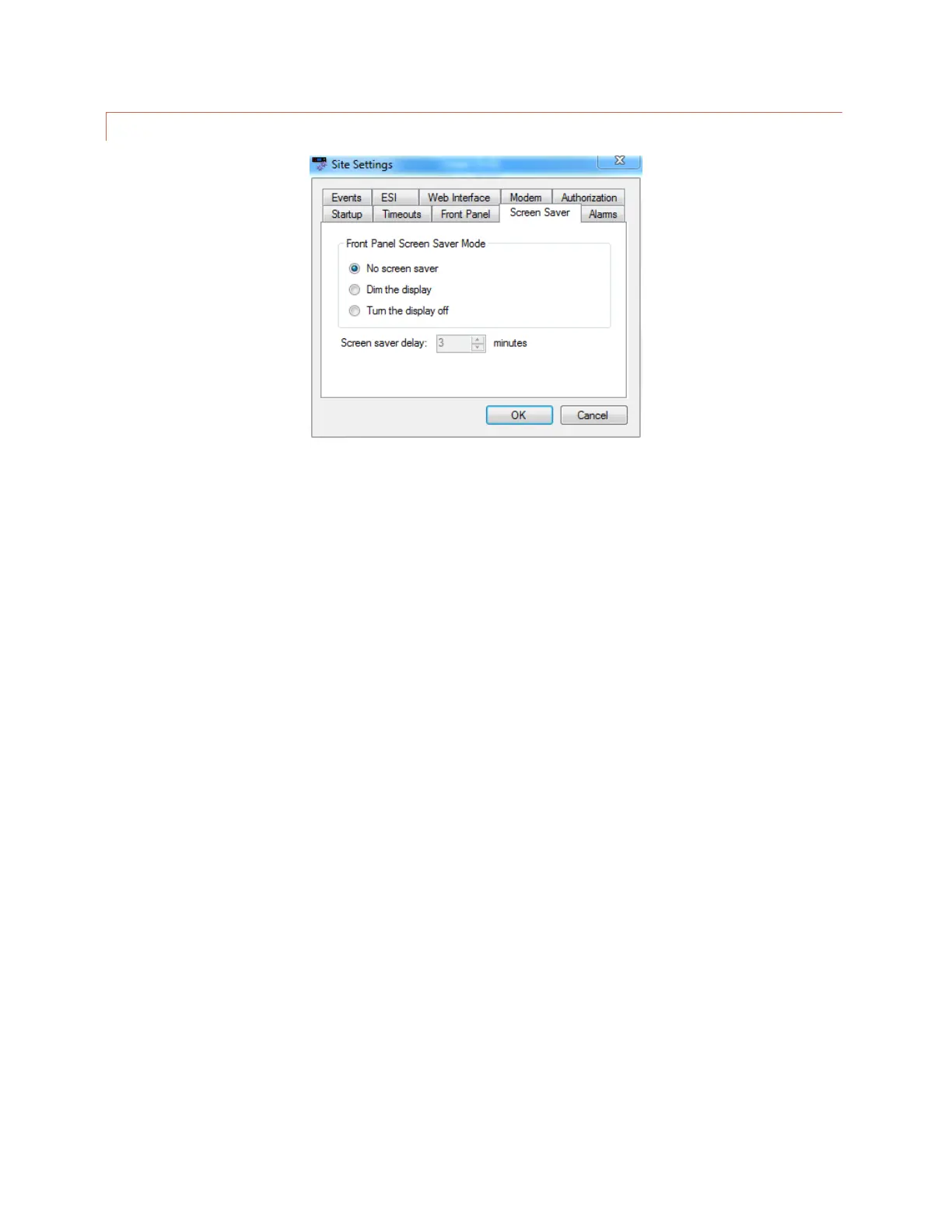
SCREEN SAVER SETTINGS
Edit>Settings>Site Settings - Screen Saver
The color LCD screen may be configured to dim or turn off after the front panel controls have been inactive for a
specified duration. This feature is designed to prevent screen “burn-in” over the service life of the ARC Plus Touch.
If the ARC Plus Touch LCD is already in screen saver mode when you make a change to these settings, the screen
saver will not update until the next time the front panel enters screen saver mode.



 To Next Page