19
MACROS
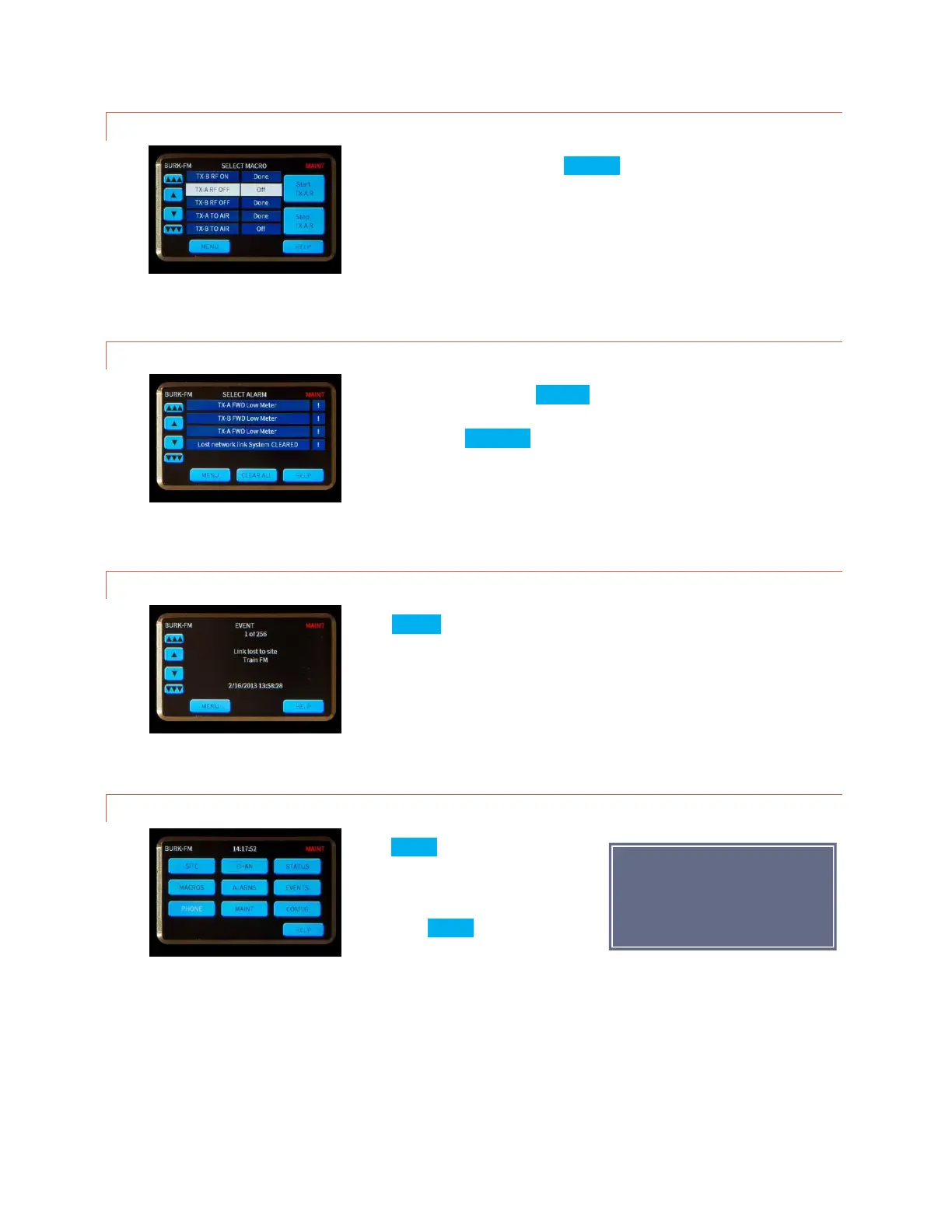
Macros are available by pressing MACROS on the main menu. Scroll through
the macro list to see the current status of all macros. To start or stop a
macro, highlight the desired macro then press one of the command buttons
on the right.
ALARMS
From the main menu, select ALARMS. An exclamation point indicates a
critical alarm. Highlight the desired alarm to read the details and clear
individually. The CLEAR ALL button is a shortcut to clear all alarms at once.
Cleared alarms are moved to the bottom of the list and marked CLEARED.
EVENTS
Press EVENTS on the main menu to review a list of system events. Use the
scroll bars to move through the list.
PHONE
Press PHONE on the main menu to set
the dial-in and dial-out modes for the
optional telephone interface (RSI).
If the word PHONE in the display is
white, no RSI is installed.



 To Next Page