17
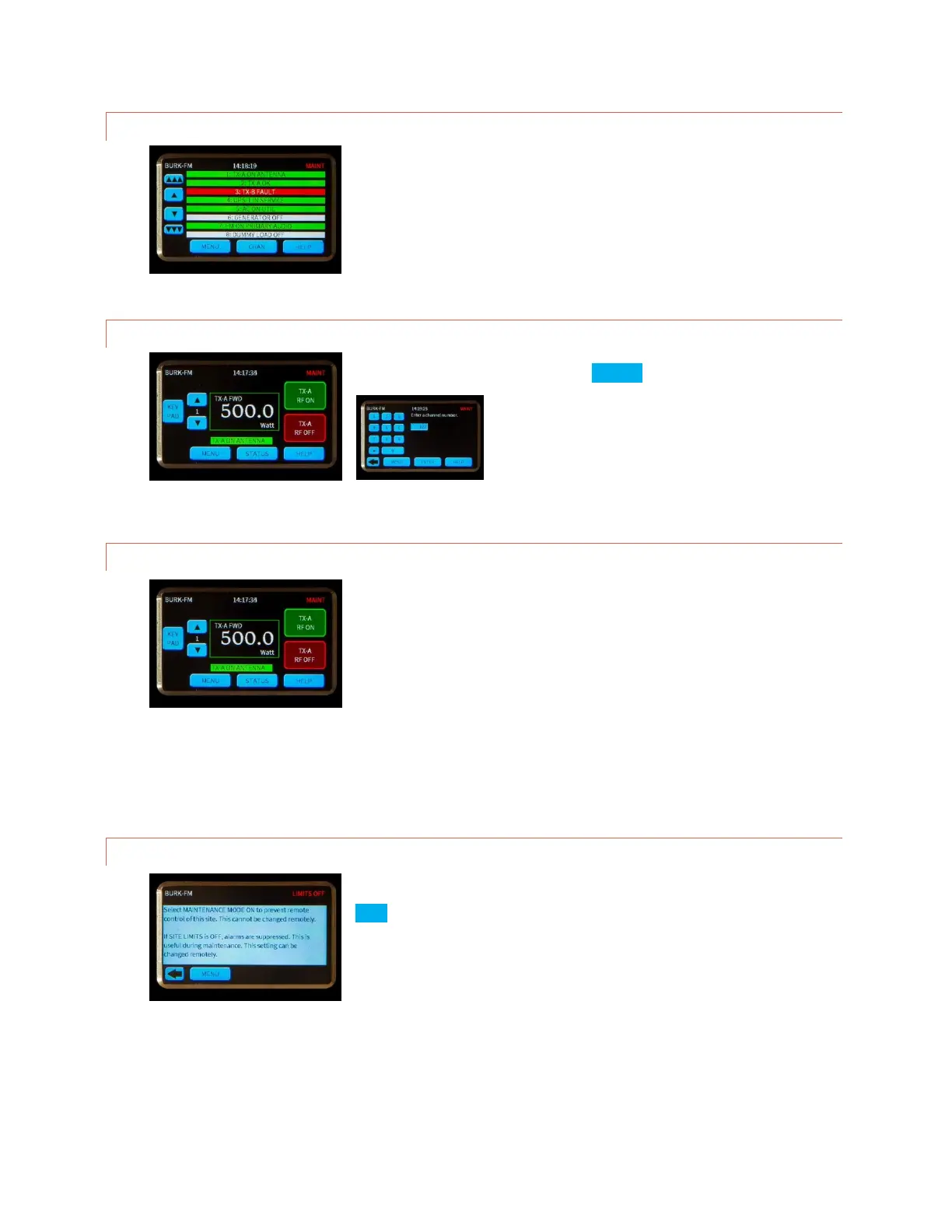
SCROLLBARS
If scrollbars are necessary, they will appear on the left edge of the screen.
The inside buttons advance by one line, while the outside buttons move by
multiple lines.
KEYPAD
A keypad may be used whenever the KEYPAD button appears on the left
side of the display.
COMMAND BUTTONS
The right side of the display is generally reserved for actions such as
channel raise and lower commands, macro start and stop commands and
various enable/disable functions. Pushing a command button executes the
raise or lower command. For momentary commands, the duration is set in
AutoLoad. Holding the command button does not extend the duration, but
pressing again during the command immediately restarts the duration.
It is possible to override a command button to execute a macro instead of a raise or lower command. Click or turn
to COMMAND SOURCE for more on overriding command channels.
HELP
Context sensitive help is always available on the touch screen. Simply press
HELP in the lower right hand corner.



 To Next Page