87
set to “ON”. Otherwise the channel will be set to “OFF”. If the retrieved SNMP value is in the form of a
numeric value, then Match to a Value should be selected. In this case, the value corresponding to the ON
condition for this parameter should be entered in the corresponding box.
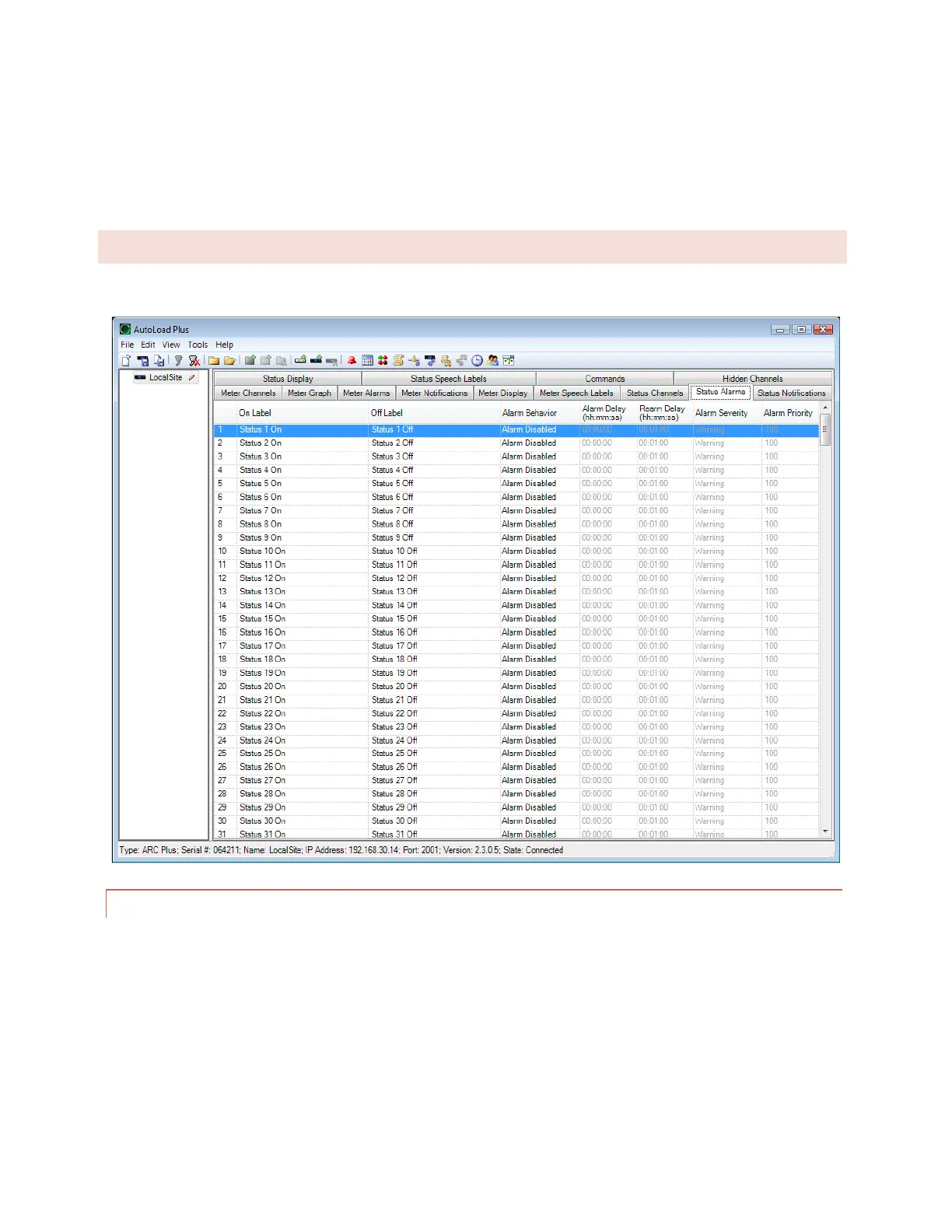
STATUS ALARMS
Set up alarm characteristics for each status channel on the Status Alarms tab.
ENABLING/DISABLING ALARMS
To configure status alarms, select the desired alarm behavior under the Alarm Behavior heading. A status channel
can cause an alarm when the status channel is on, or when it is off. If you do not want status alarms for a particular
channel, choose Alarm disabled for the alarm behavior.



 To Next Page