94
USING A COMMAND TO SEND AN SNMP MESSAGE
SNMP has been selected in the Source dialog shown above. A unique SNMP message can be sent
corresponding to a Raise command on this channel, and a different SNMP message can be sent based on a
Lower command on this channel. To assign the desired SNMP parameter to one of these actions, click on
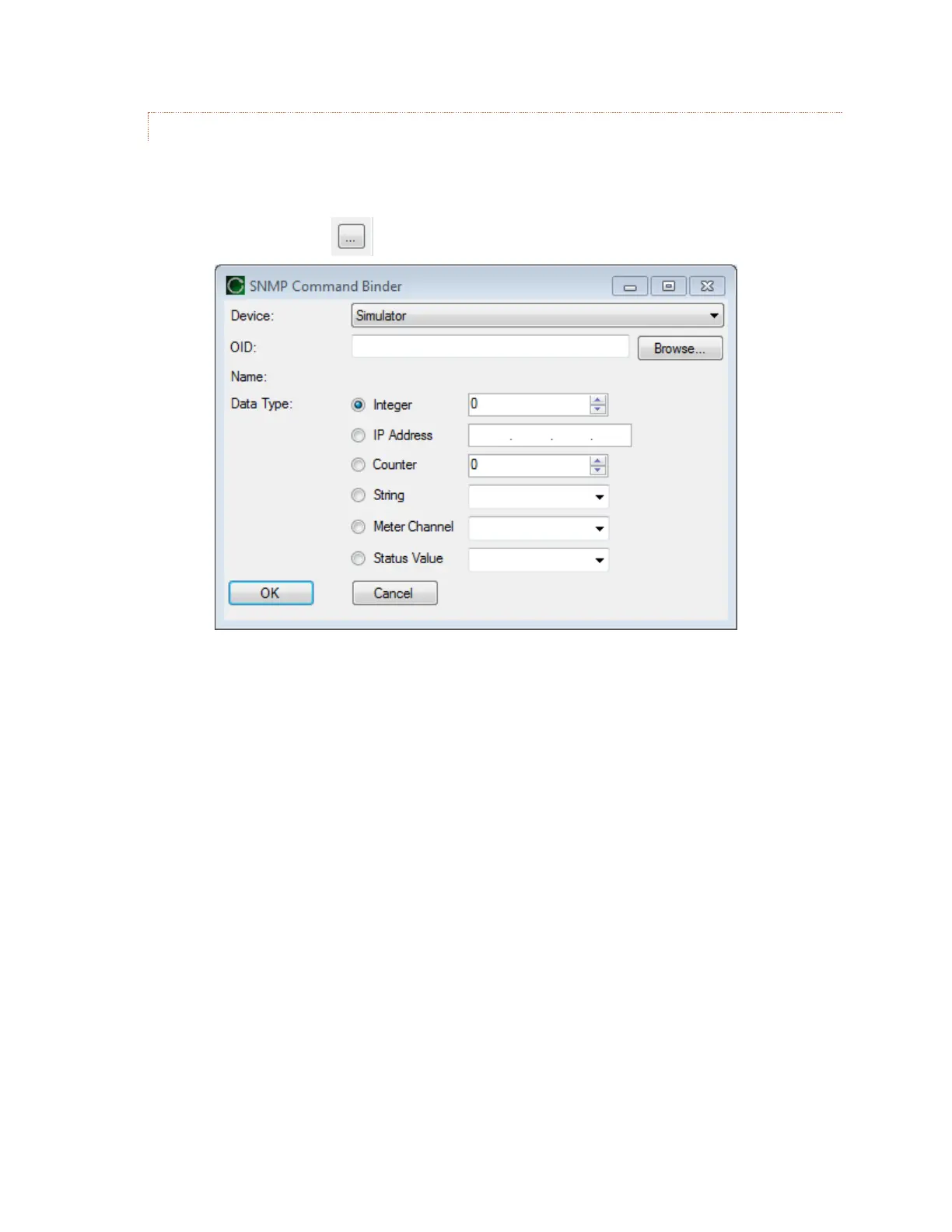
the corresponding dot box: The SNMP Command Binder window will be displayed.
Clicking on the Browse button in the SNMP Command Binder invokes the SNMP MIB BROWSER to
identify the desired SNMP parameter (OID) for the raise or lower function. The Command Binder also lets
you specify the data type and data value to be sent to the SNMP device along with the selected OID.
Inclusion of Meter Channel values and Status Values as SNMP command values enables development of
sophisticated dynamic interactions and automated functions.



 To Next Page