155
Setting Crop/Aspect RatioN
4
Take the picture.
Viewfinder shooting
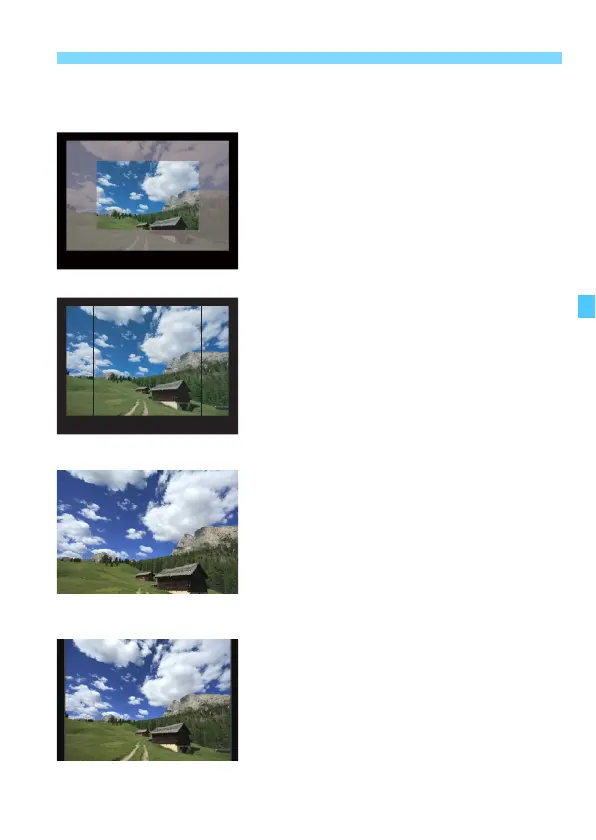
The shooting area in the viewfinder
will be masked or have frame lines.
The area surrounded by the semi-
transparent masking or frame lines
will be recorded as an image.
Live View shooting
When [1.3x (crop)] or [1.6x (crop)] is
set, the displayed image will be
magnified by approx. 1.3x or 1.6x
respectively.
Regardless of the [Shooting area]
setting, the area shown by the
displayed image will be recorded.
If you select [1:1 (aspect ratio)], [4:3
(aspect ratio)], or [16:9 (aspect
ratio)], the area surrounded by the
masking or frame lines will be
recorded as an image.
Example settings
With e•b
With f•c













 To Next Page