79
2
Basic Shooting
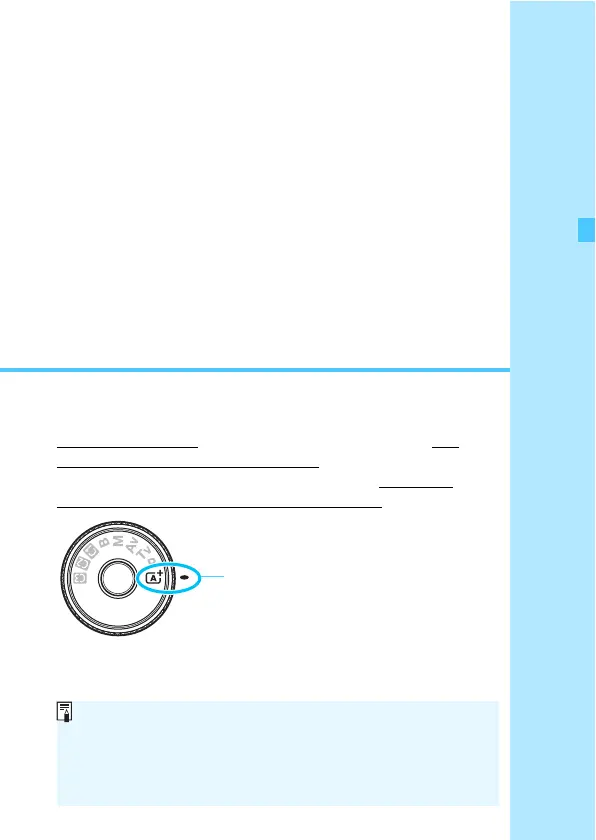
This chapter explains how to use the Mode Dial’s <A>
(Scene Intelligent Auto) mode for easy picture taking.
In the <A> mode, all you do is point and shoot and the
camera sets everything automatically (p.456). Also, to prevent
botched pictures due to mistaken operations, advanced
shooting function settings cannot be changed.
Auto Lighting Optimizer
In the <A> mode, the Auto Lighting Optimizer (p.182) will adjust
the image automatically to obtain the optimum brightness and
contrast. It is also enabled by default in the <d>, <s>, or
<f> mode.













 To Next Page